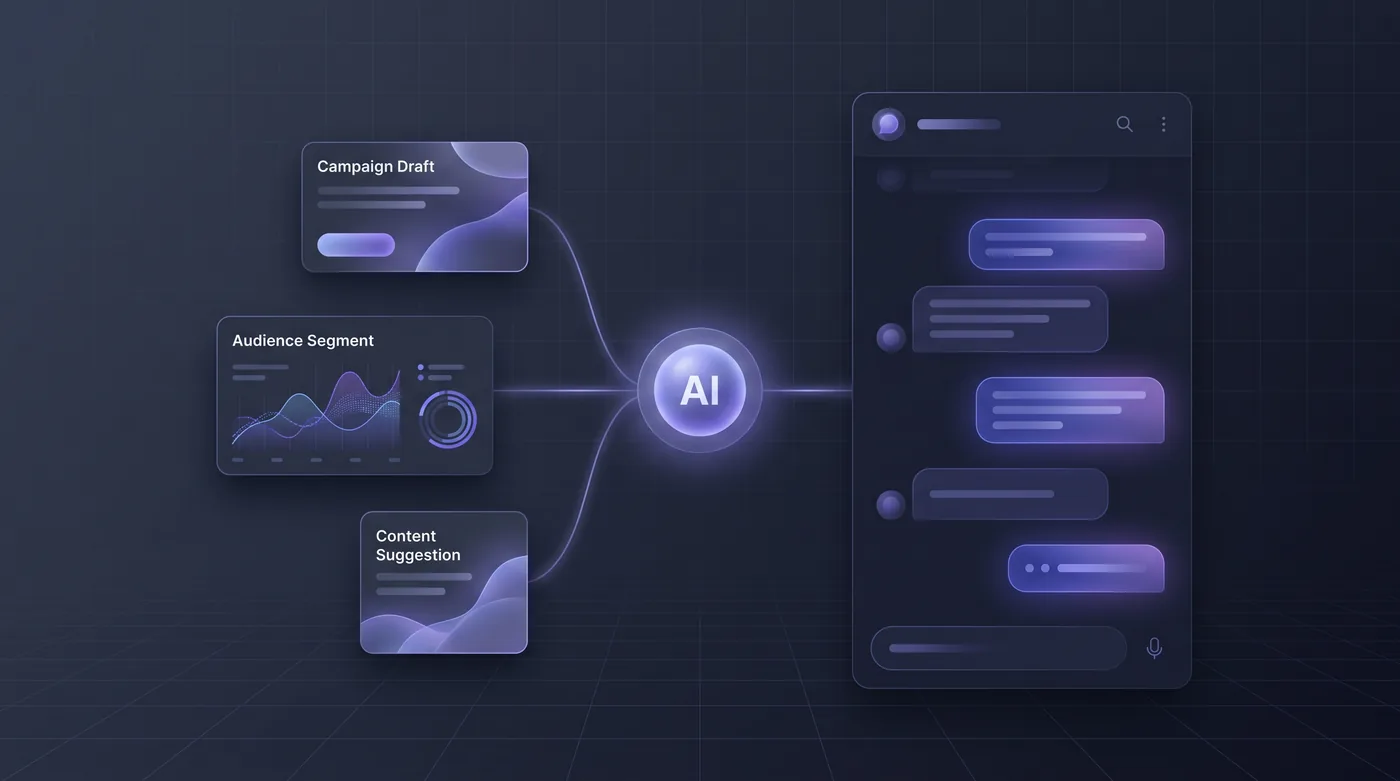
A content lead does not need "an AI" so much as a dozen different shapes of output. A subject line has to survive a mobile inbox. An ad needs a headline, body and call to action matched to the funnel stage. A social caption needs a hook and hashtags. A flyer needs a headline that reads from across the street and a short line next to its QR code. A generic chat box gives you a wall of text and leaves the shaping to you.
In HeadshotMarketing the tool you pick decides the shape you get: subject-line variants, a meta title and description, a caption sized to the network, an ad set, a blog outline with an intro, alt text, repurposed versions for other channels, flyer and mailer copy, and local variants per location. Every result comes with the keywords it used and suggestions for improving it.
Save it straight into the content library as a draft tagged as AI-made, with the tool and model recorded, and send it into its approval chain on the calendar.
This is an illustrative scenario, not a customer story.
Do it yourself
Pick the tool that matches the format you need, generate from a short brief, and move the result into content, social, or an ad creative — without leaving the platform the campaign already lives in.
Open Content and go to AI Tools. Scan the tool grid — each card shows its format category and how many times it has been used this month.
You should see: A workspace library of purpose-built tools opens next to a docked generation console, with the first available tool already selected.
Ready to make this your story?