
What can you do with HeadshotMarketing?
Marketing and sales in the physical and the digital world — from measuring billboards and trade shows to lead lifecycle, customer support, funnels across Google Analytics, Meta and Mixpanel, and an approved content calendar. Pick a persona and follow the story. These are illustrative scenarios, not real customers.
Showing 37 use cases

Physical & Geo Marketing
Measure flyers, billboards and direct mail like ad clicks
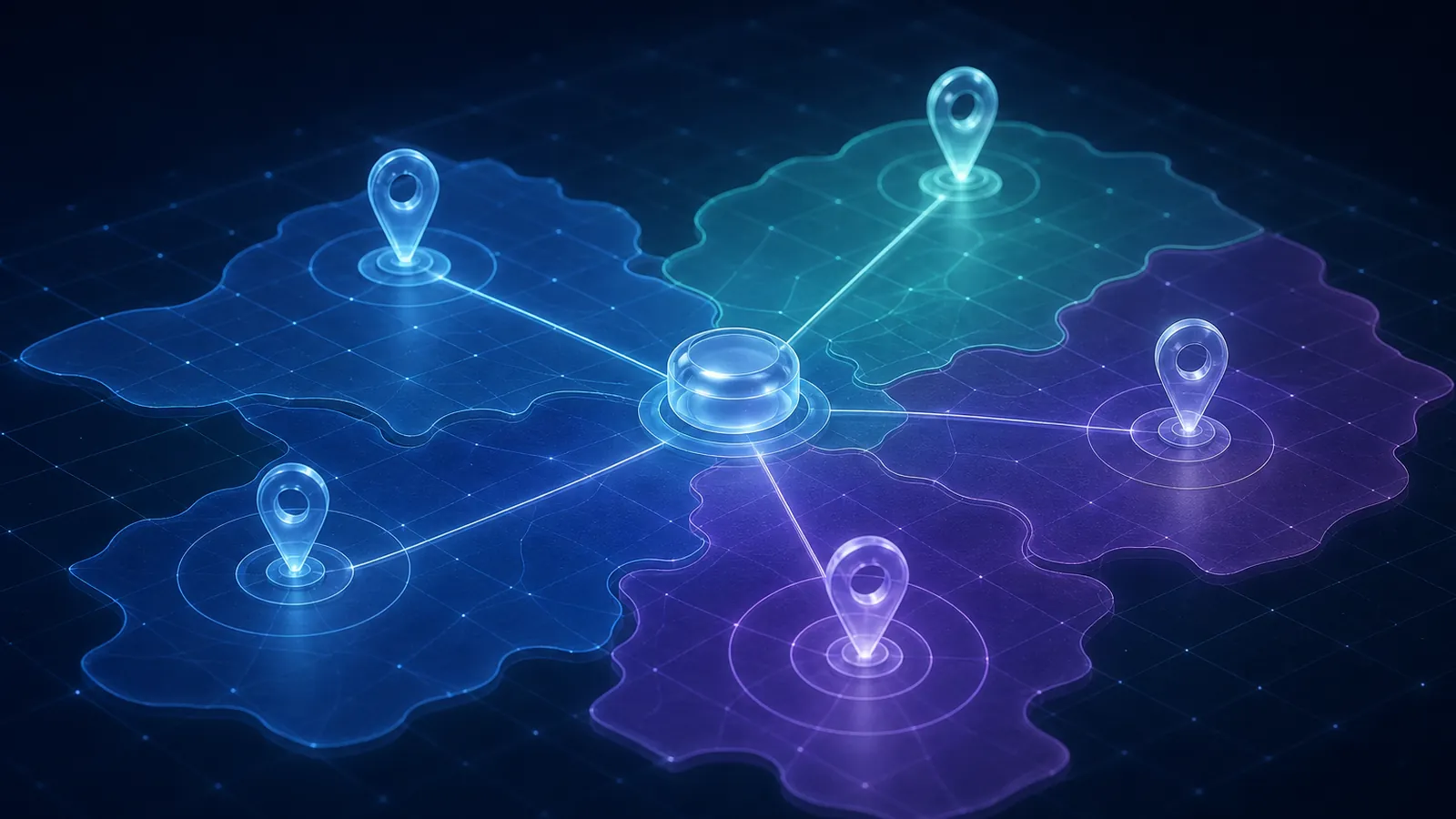
Plan print, direct mail, outdoor and in-store marketing in the same campaign as your digital channels, give every placement its own tracking, and see scans, calls and redemptions land in the funnel next to clicks.
Physical & Geo Marketing
Run local marketing for every store, branch and territory
Give every location its own pages, listings, offers and geofences under one brand, let location managers approve what runs locally, and compare locations and regions on one dashboard.

Physical & Geo Marketing
Turn a trade-show booth into same-day pipeline
Plan the show as part of a campaign, capture badges and business cards on the mobile app, score and route every lead to the right rep the same day, and see which shows actually produced revenue.

Leads, Sales & Support
Capture leads from every source into one record
Bring every lead — online and offline — into one de-duplicated contact with its source, consent and full timeline, so nothing waits in an inbox or a spreadsheet.

Leads, Sales & Support
Move every lead through its lifecycle — on time
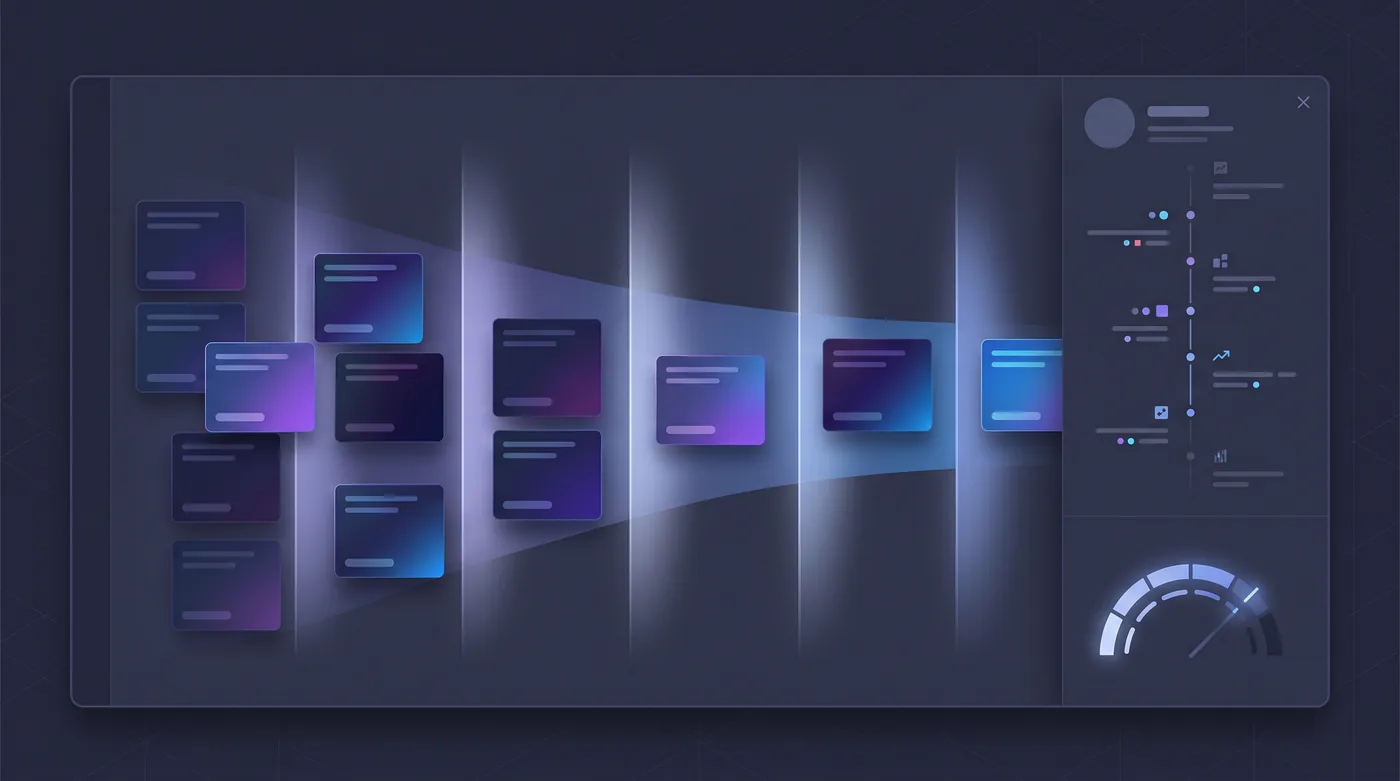
Define the lifecycle from subscriber to advocate, score and route leads with the reasons shown, set response-time targets, and recycle leads that are not ready instead of losing them.
Leads, Sales & Support
Run sales on the same record marketing built
Manage pipelines, deals and forecasts on the customer record marketing already built, with every campaign, touchpoint and support ticket in view.

Leads, Sales & Support
Run customer support on the same customer record
Answer customers across every channel from one inbox, with tickets, response targets, a knowledge base and CSAT/NPS on the same record marketing and sales use — so no promotion goes to an unhappy customer.

Funnels, Analytics & Reporting
Build funnels across Google Analytics, Meta, Mixpanel and the real world
Set up funnels from online and offline events, connect Google Analytics, Meta and Mixpanel, see where each step drops, and get a plain explanation when the tools disagree.
Funnels, Analytics & Reporting
Send reports and analytics to BigConsole
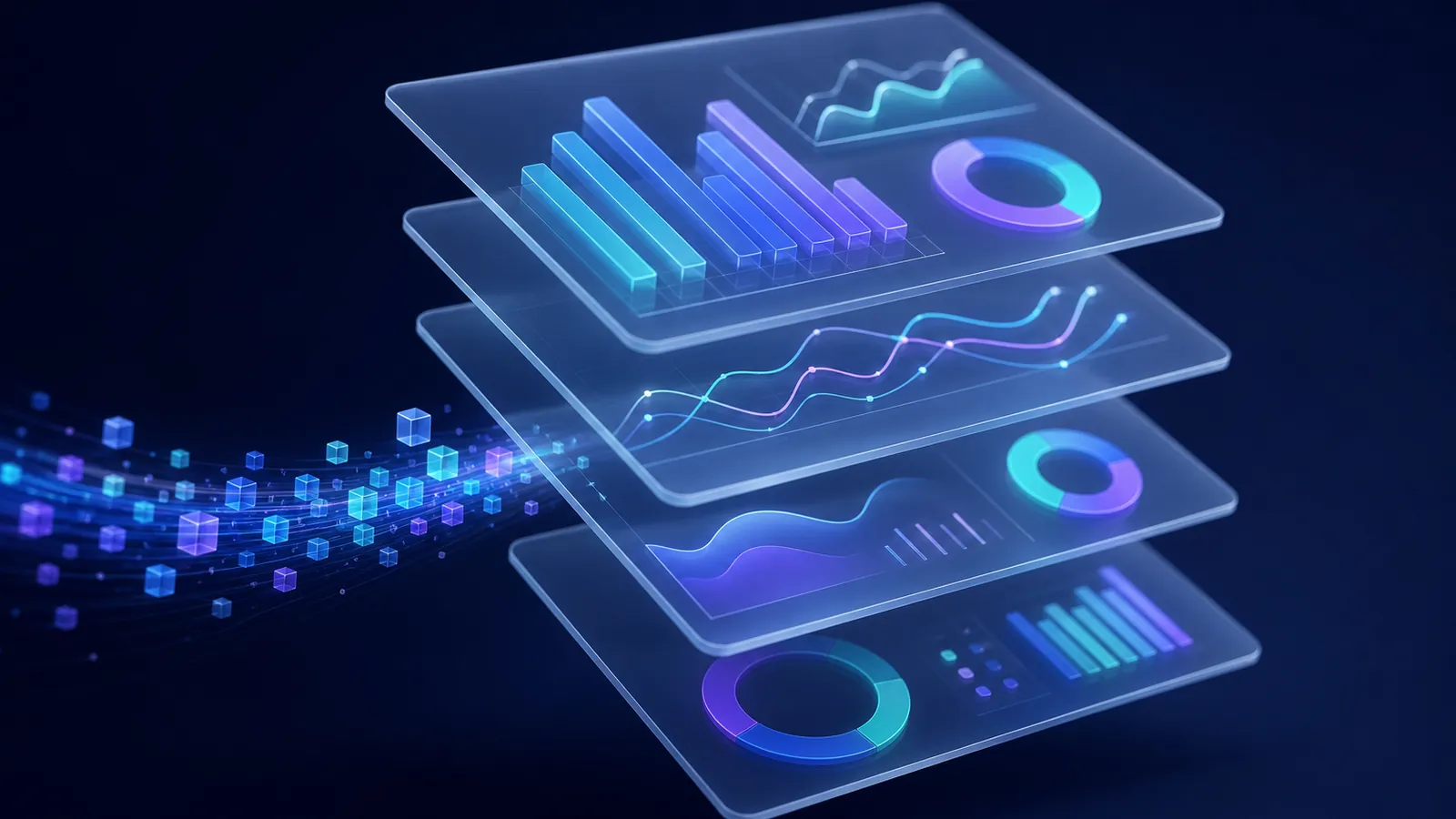
Stream HeadshotMarketing data to BigConsole for leadership dashboards and ad-hoc analysis, so the board sees one set of numbers across marketing, sales and support.
Funnels, Analytics & Reporting
Prove ROI across physical and digital touchpoints
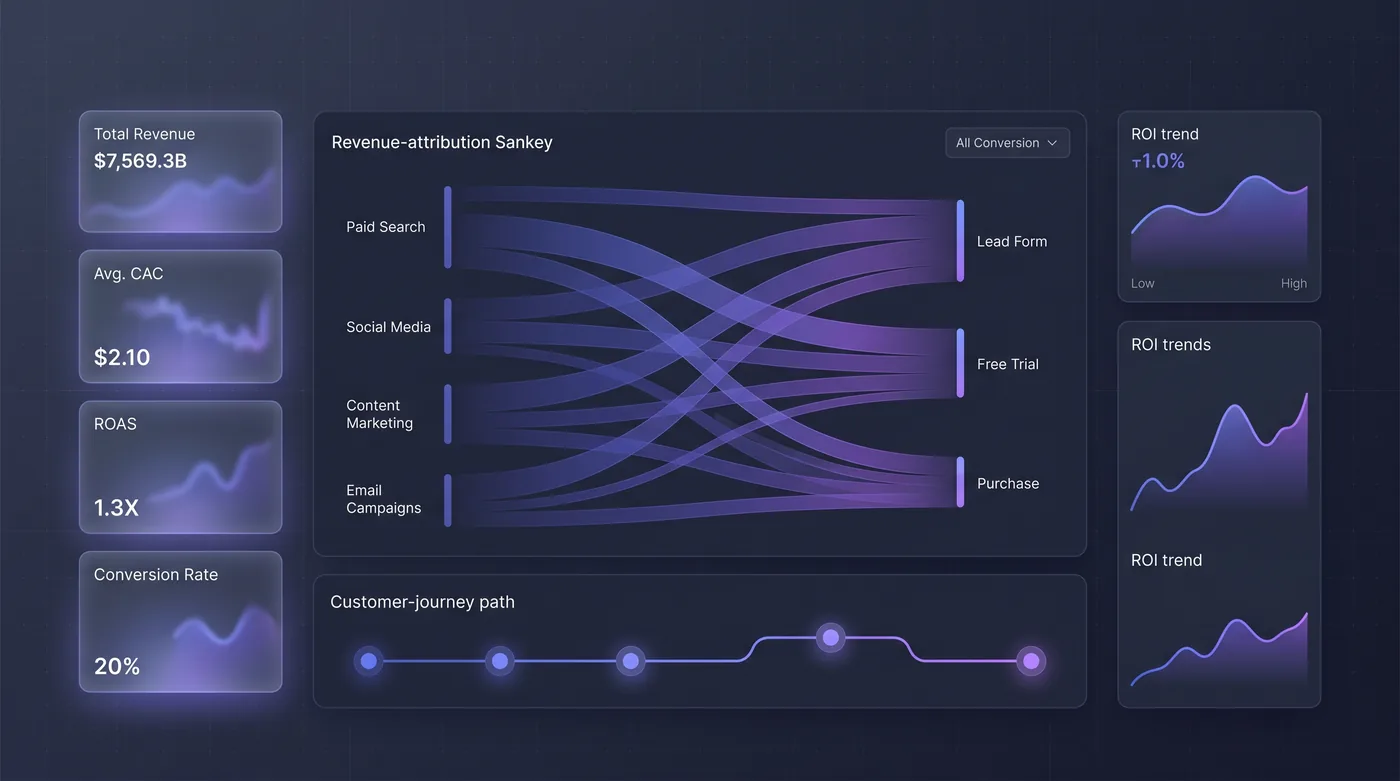
Connect every campaign and channel — including print, outdoor, events and field work — to pipeline and revenue with multi-touch attribution you can defend.

Content Calendar & Approvals
Run the content calendar from idea to repurpose
Plan every piece of content and every physical activity on one calendar, and move each item through idea, brief, draft, review, approval, scheduling, publishing, measurement, repurposing and archive.
Content Calendar & Approvals
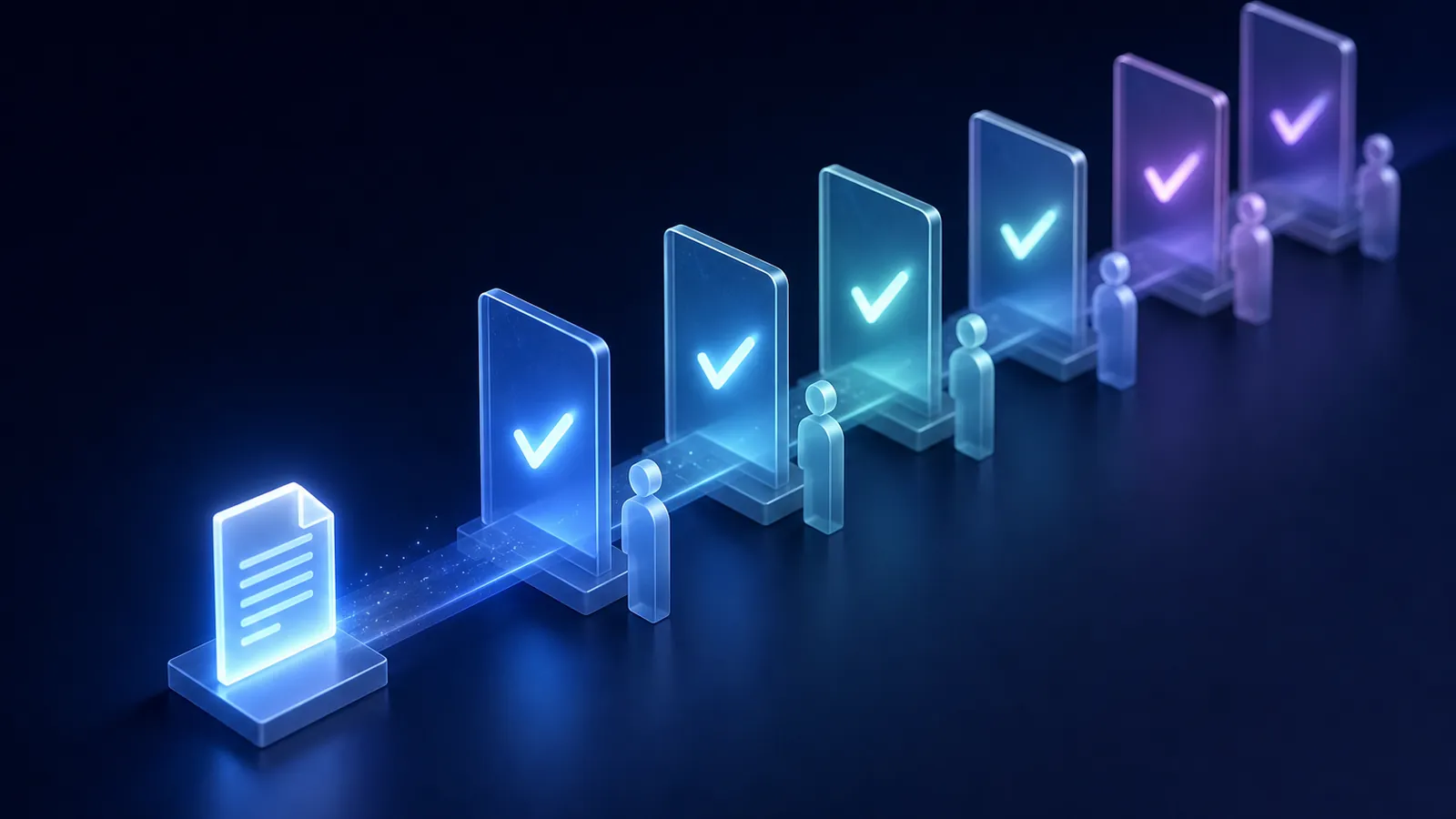
Get brand, legal, client and influencer sign-off on record
Route every content item through the right approval chain — brand, legal, regional teams, clients and influencers — with reminders, delegation, locking after approval and a full audit trail.
Content Calendar & Approvals
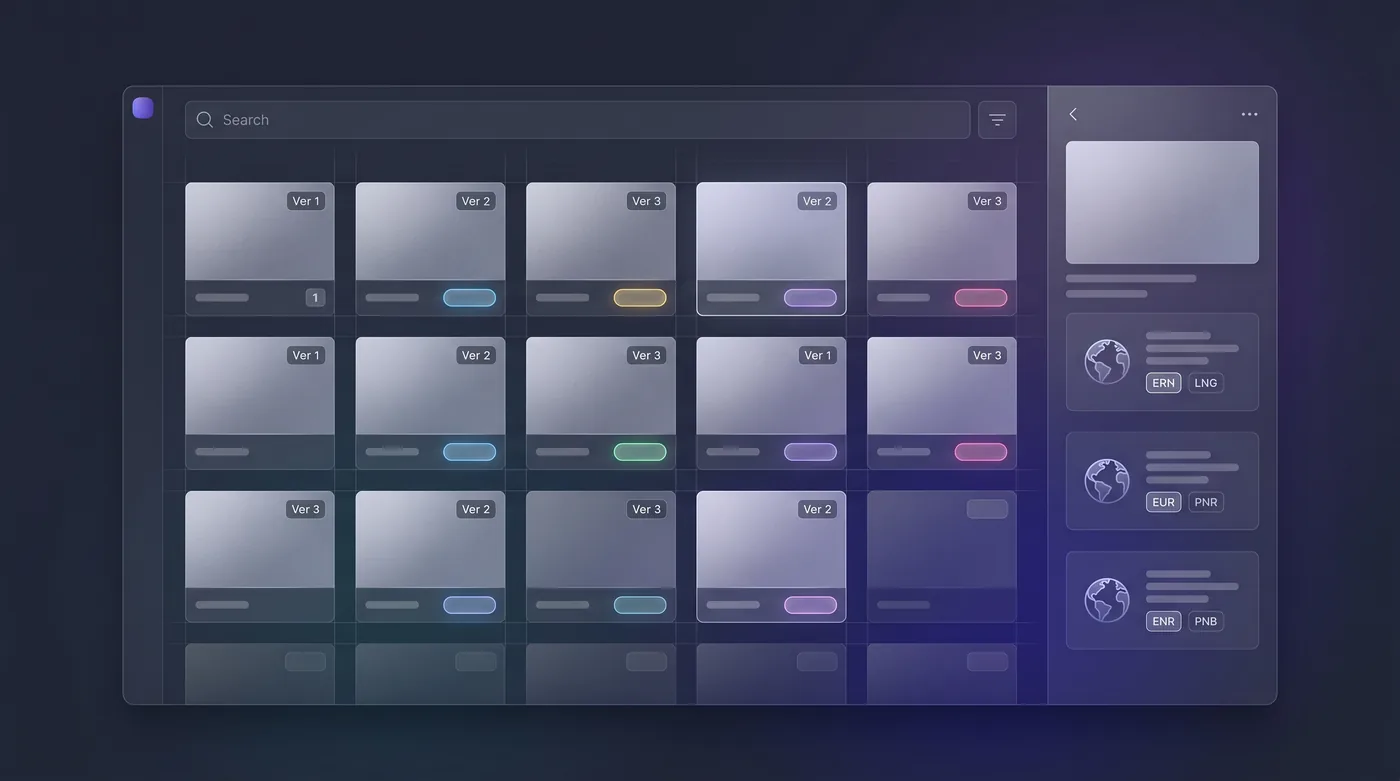
Manage content once, adapt it for every region
Keep every asset in one library with brand governance and versions, then adapt content for each market — tone, references and nuance, not just words.
Campaigns & Content
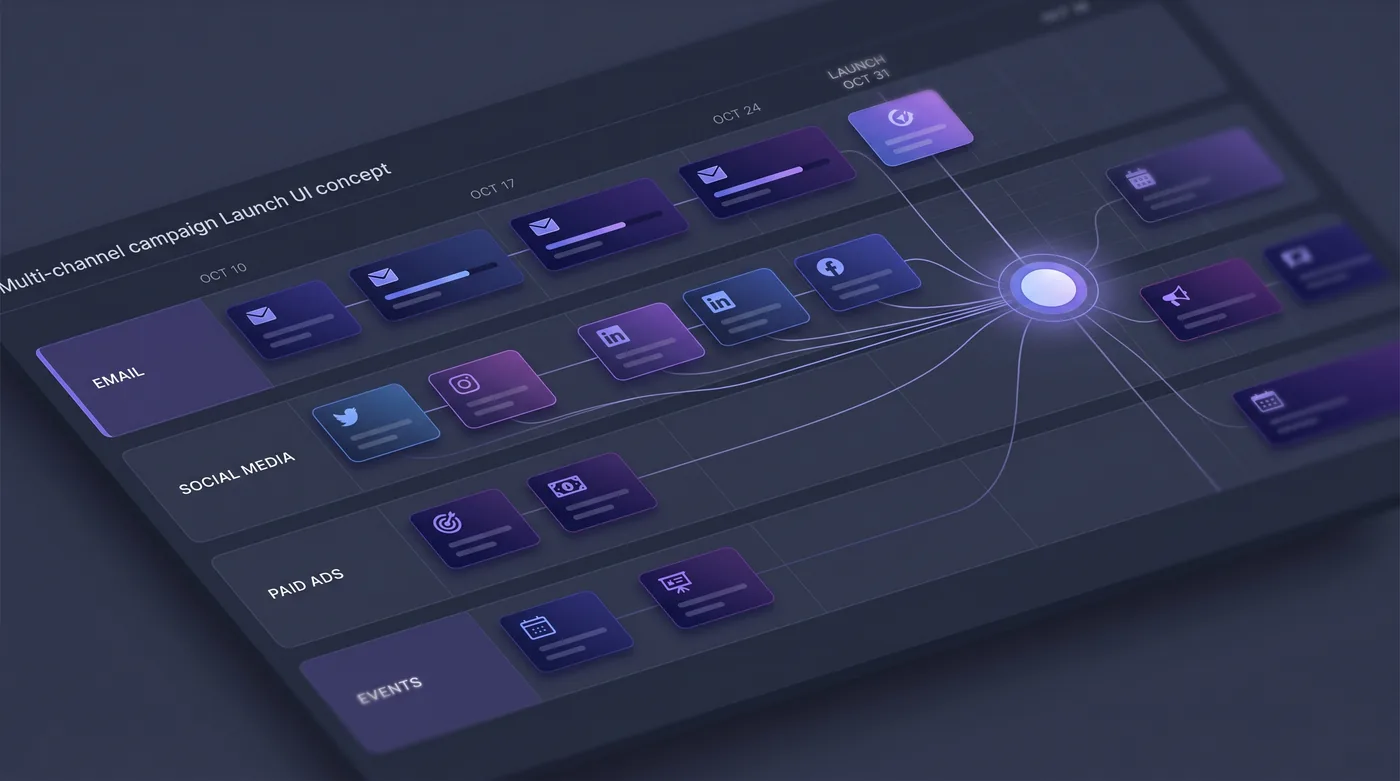
Launch one campaign across digital and physical channels
Plan one campaign with one goal, audience and budget across email, social, ads, influencers, print, outdoor, in-store and events — each item approved on the calendar, results by channel and placement.

Campaigns & Content
Turn your best launch into a repeatable playbook
Capture a proven campaign — channels, cadence, placements and approvals — as a reusable template, then start the next launch from that playbook instead of a blank page.
Campaigns & Content
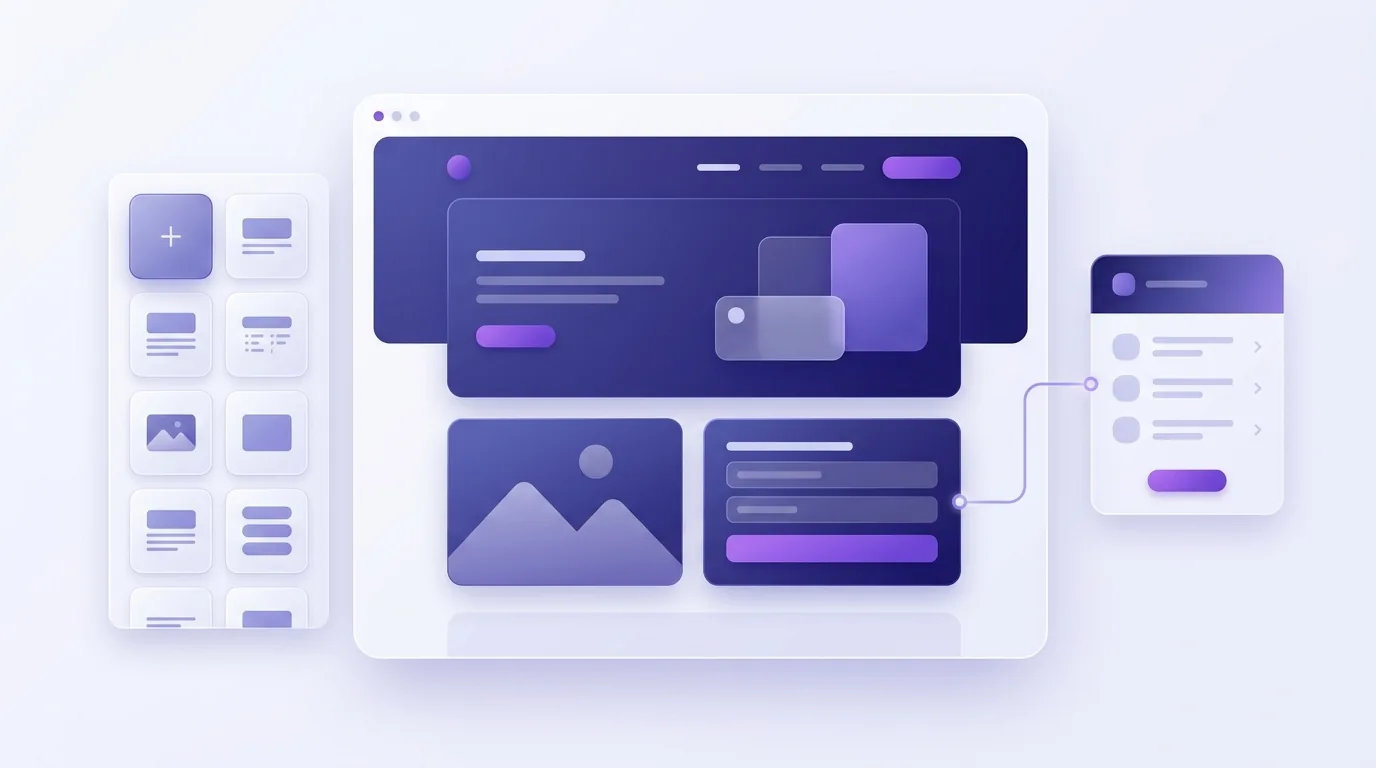
Build landing pages that feed the CRM
Create landing pages with a visual builder, pull on-brand assets from the library, and turn every form submission into a scored contact linked to the campaign that drove it.
Campaigns & Content
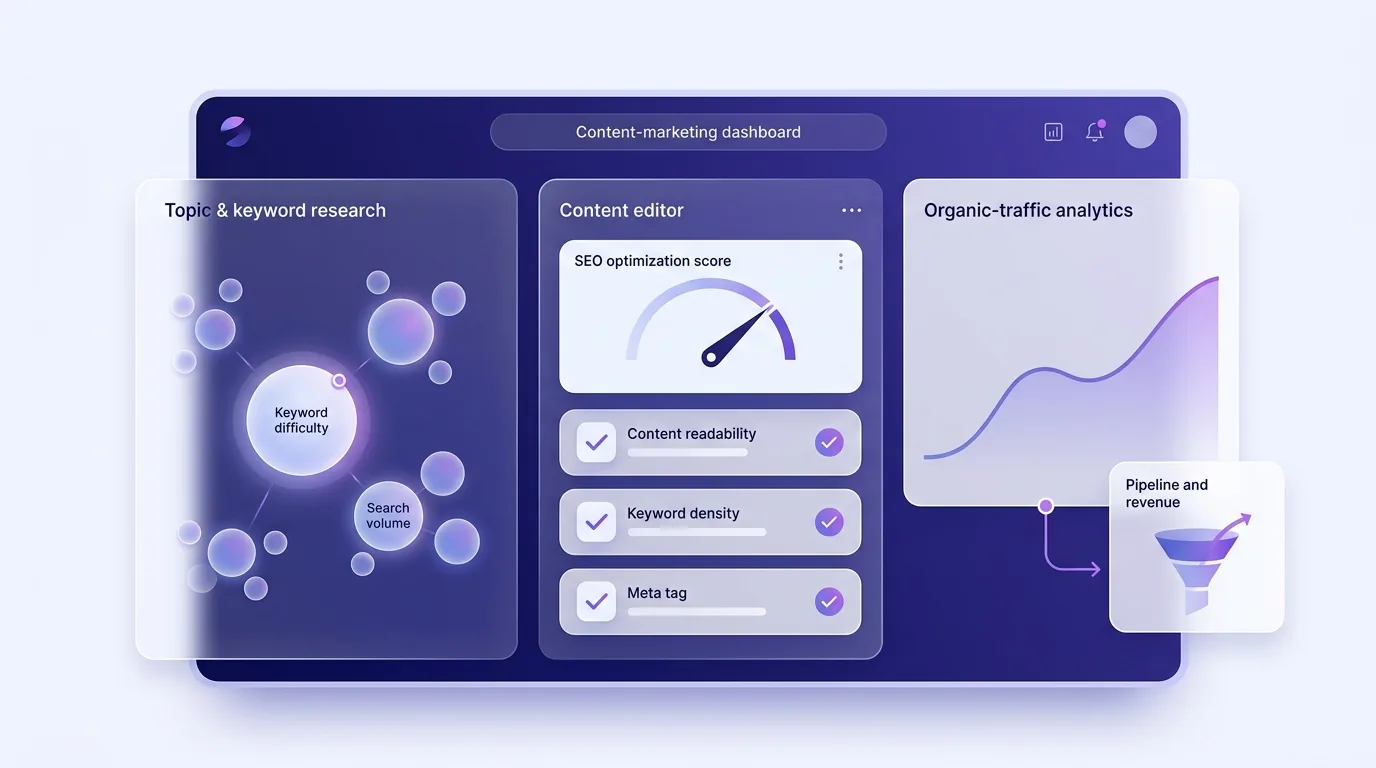
Grow organic traffic with built-in SEO
Optimise SEO next to your content: research keywords, audit live pages, keep local listings accurate, and see organic traffic in the same funnels as every other channel.
Social, Ads, Influencer & Messaging
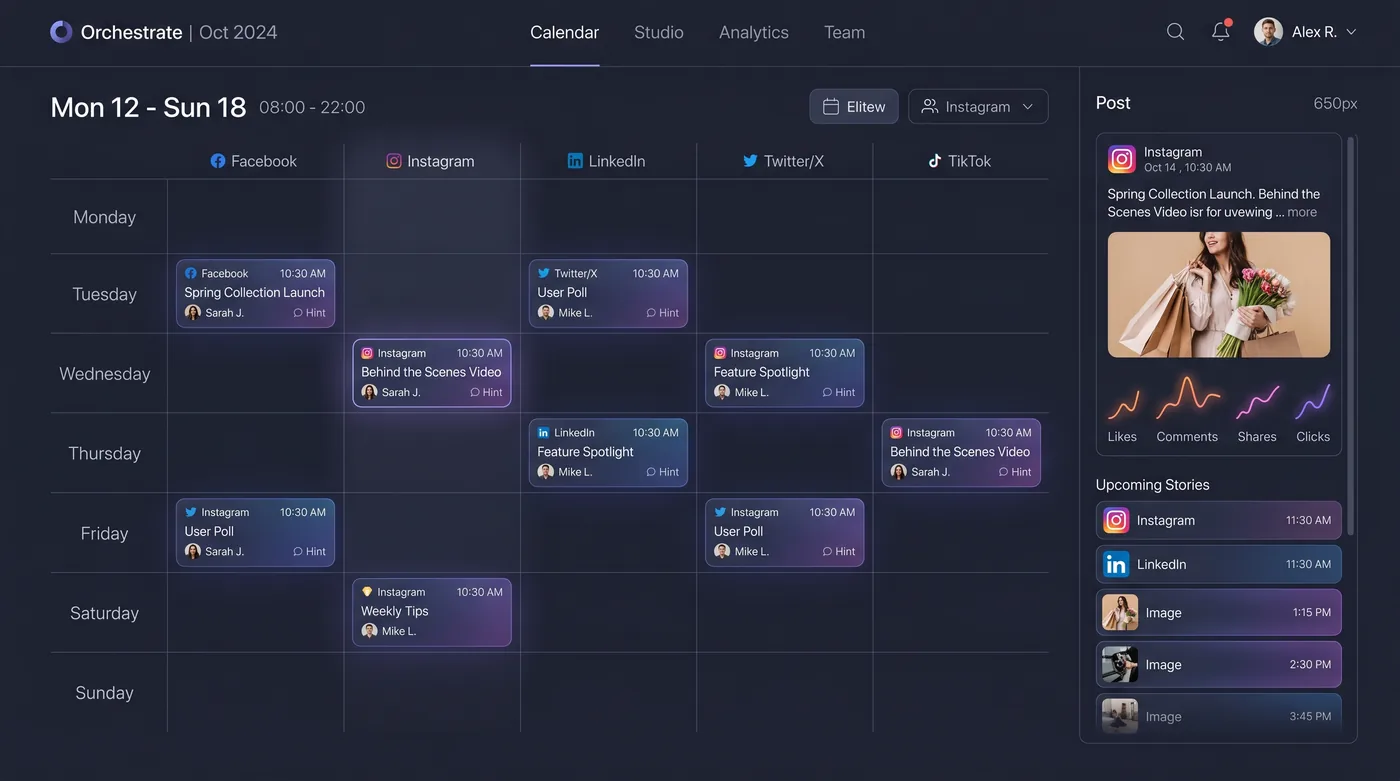
Plan, publish and listen across every social network
Compose and publish per network from the shared calendar, reply from one community inbox, listen for trends and sentiment, and capture leads from social straight into the CRM.
Social, Ads, Influencer & Messaging
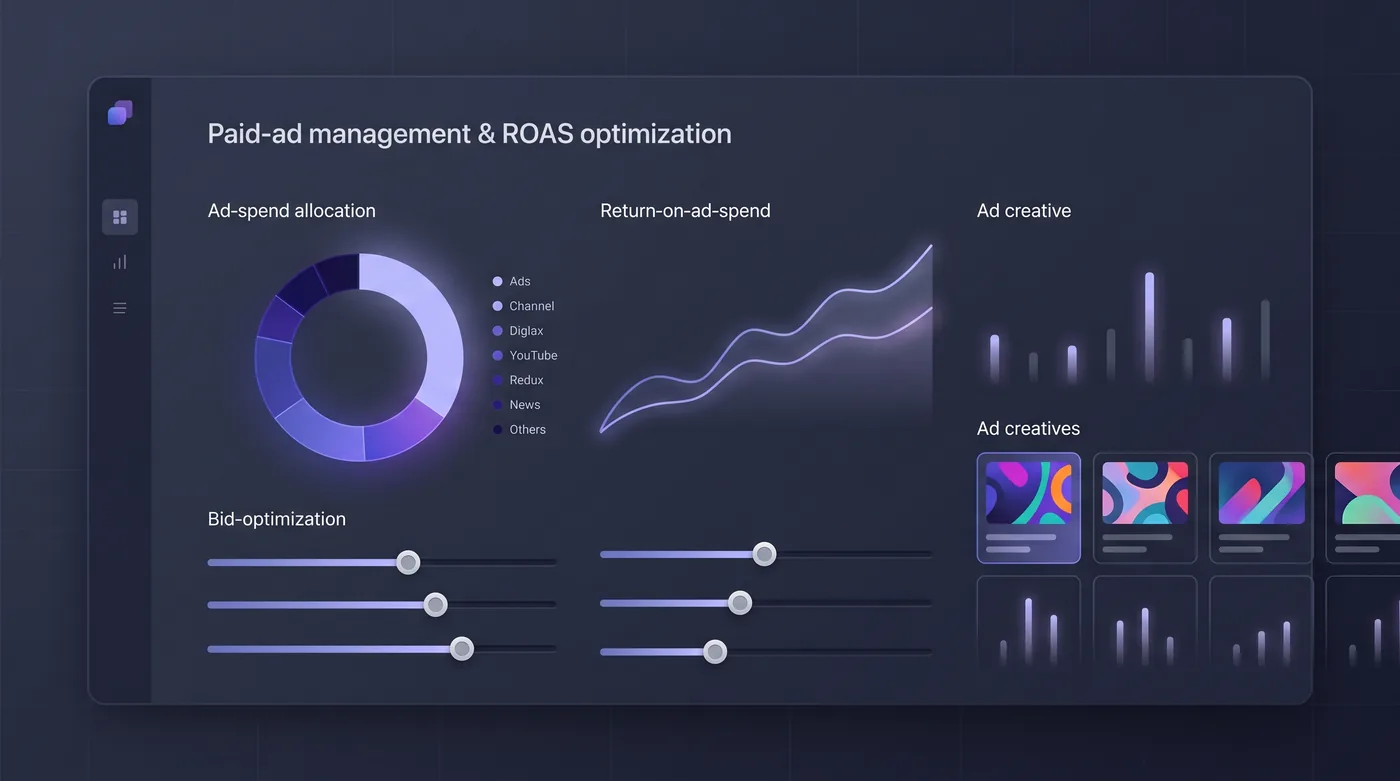
Manage paid ads and optimise to real revenue
Manage paid campaigns across networks from one console, test creatives, and optimise to pipeline and revenue — including sales that happen offline.
Social, Ads, Influencer & Messaging
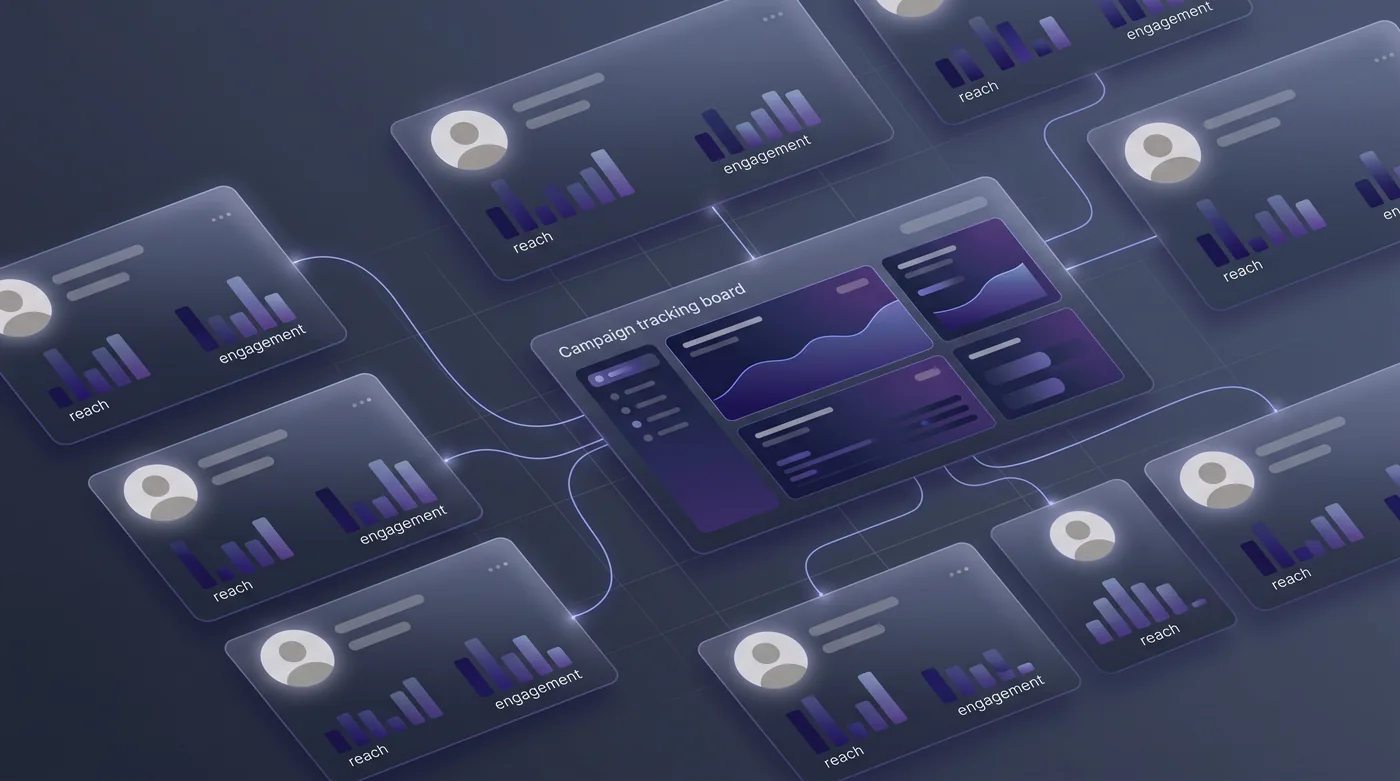
Run influencer programmes without spreadsheets
Find and manage creators, send briefs and contracts, approve their content, check disclosures and track results through the same funnels as every other channel.

Social, Ads, Influencer & Messaging
Email, SMS and WhatsApp from one consented record
Send newsletters and nurture sequences by email, SMS, WhatsApp and push from the same contact record, with consent and preferences per channel and the right channel and send time for each person.

Social, Ads, Influencer & Messaging
Build audiences once and target them everywhere
Define reusable segments from behaviour, lifecycle stage, location, consent and support history, estimate reach before you spend, and point every channel at the same audience.
Social, Ads, Influencer & Messaging
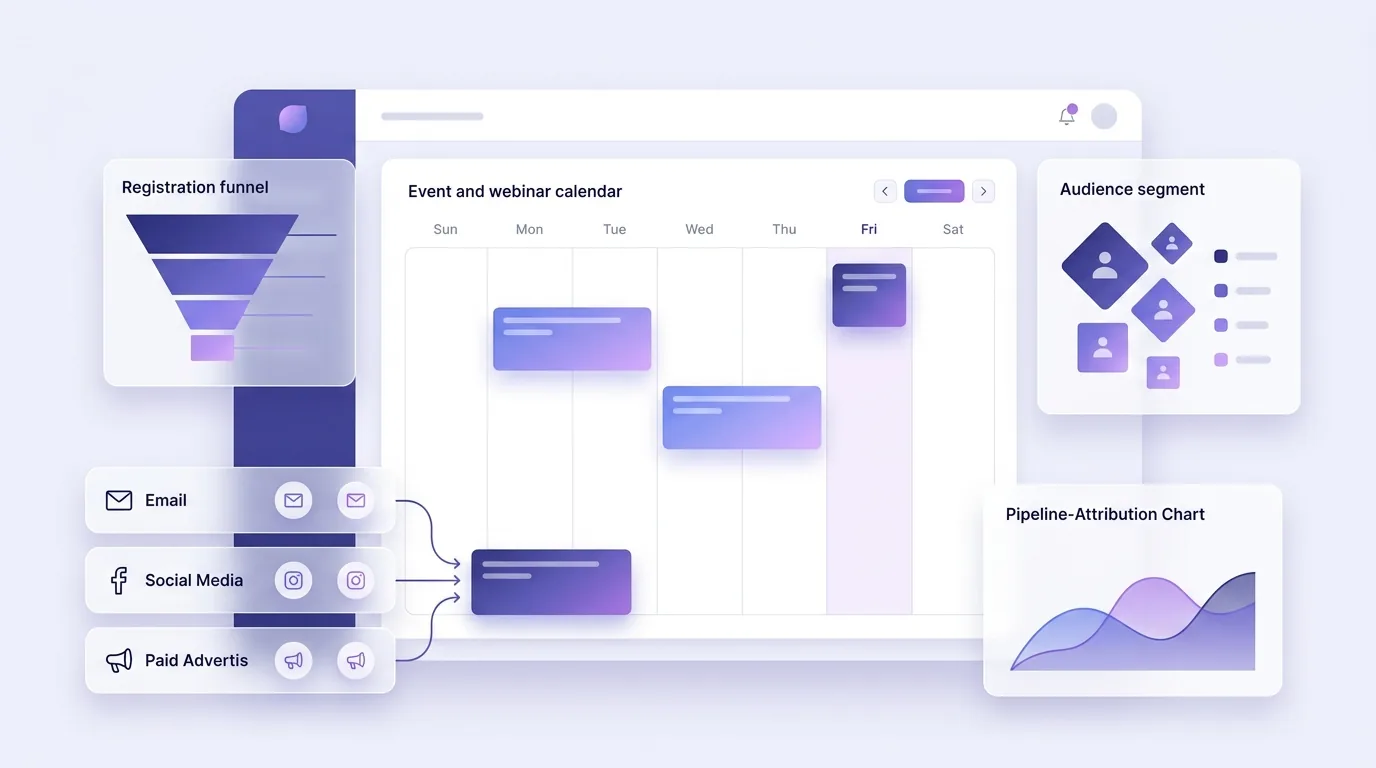
Plan and promote events as part of the campaign
Treat events as a marketing channel: invite from the CRM, promote across every channel, run registration and check-in with EventfullyManaged, and nurture attendees afterwards.
Automation & Journeys
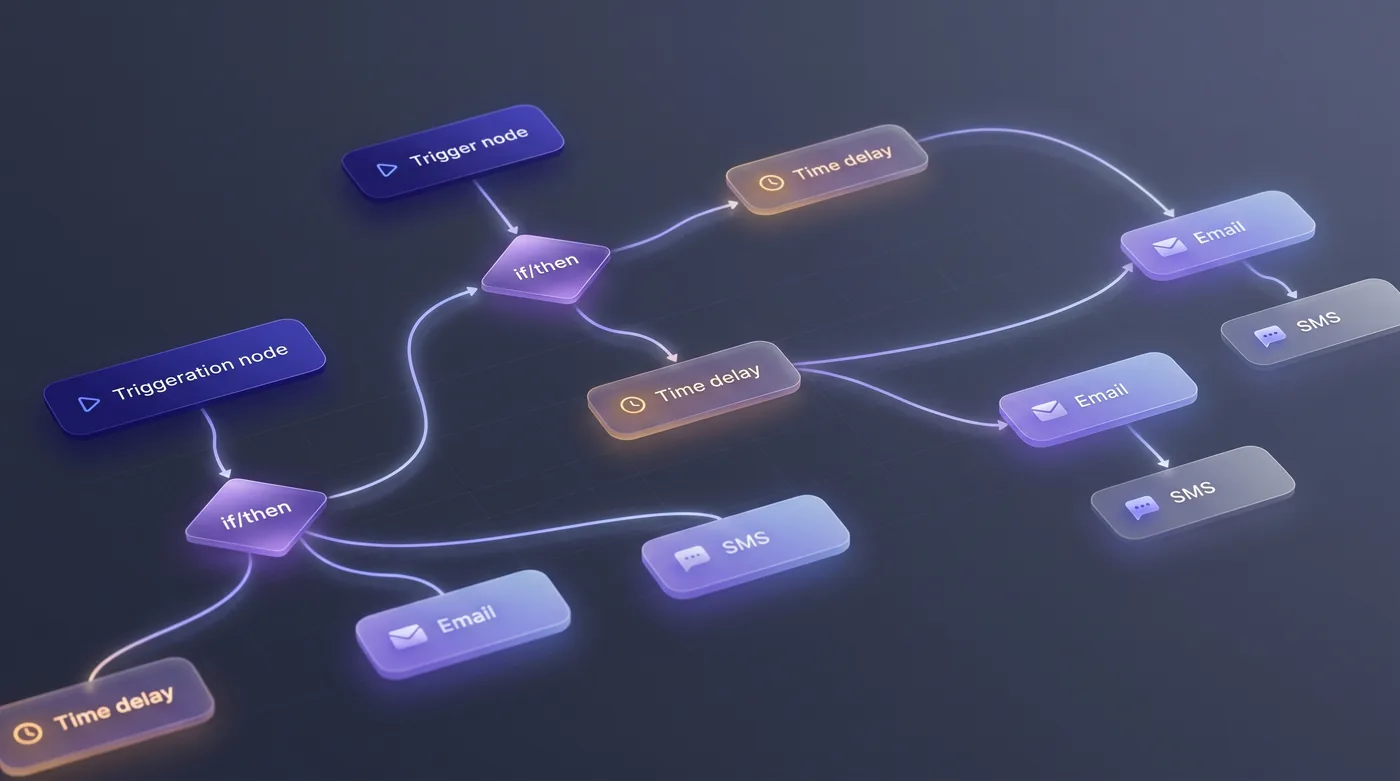
Nurture leads automatically with visual journeys
Build journeys that start from any event — a form, a QR scan, a store visit, a score change, a closed ticket — and run personalised steps across email, SMS, WhatsApp, social, ads and sales tasks.

Integrations & Governance
Connect any third-party tool through FluidGrids
Use FluidGrids to connect HeadshotMarketing to the rest of your stack — e-commerce, point-of-sale, ERP, warehouses and niche tools — with visual workflows instead of custom code.

Integrations & Governance
Run every agency client in its own workspace
Give each client an isolated workspace with its own data, roles and billing, bring clients into approvals without paid seats, and send client-ready reports from the same platform.
Integrations & Governance
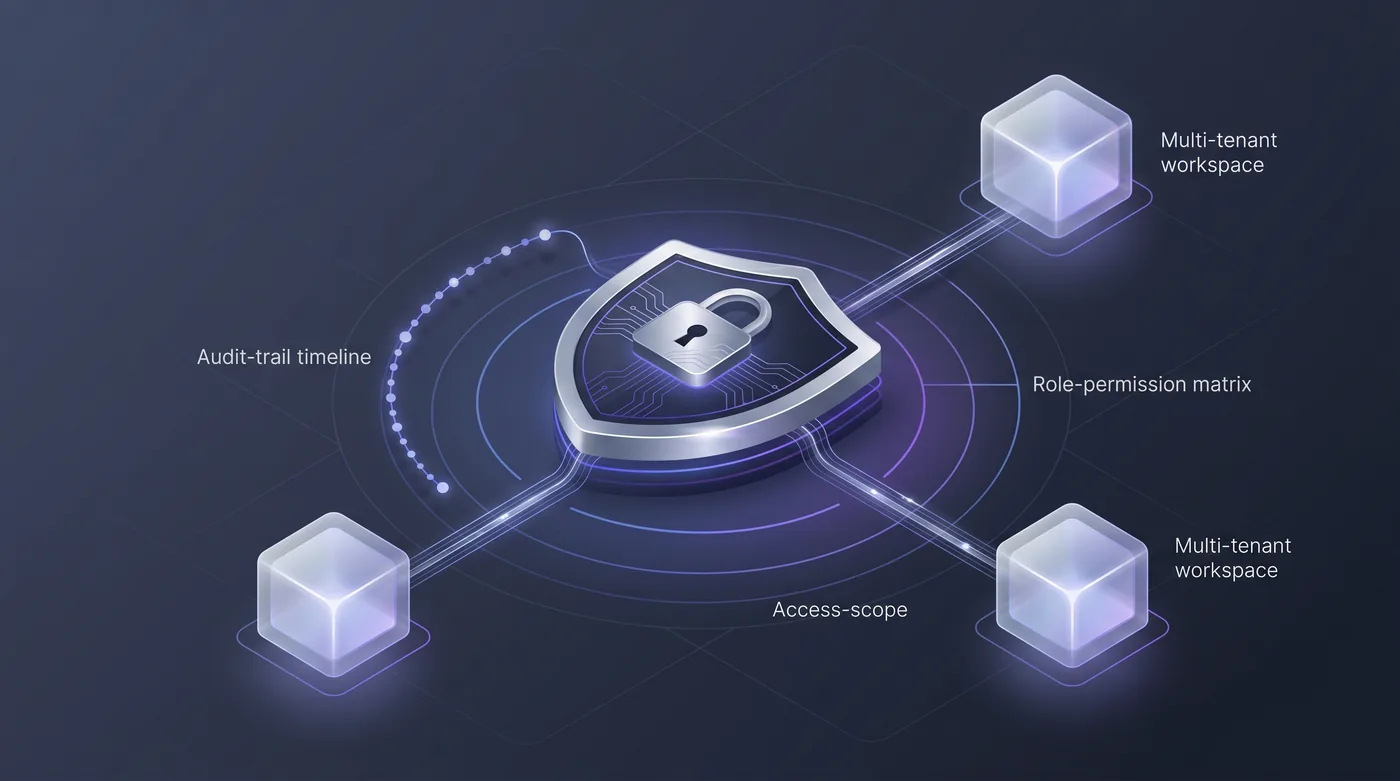
Govern it with identity, roles and audit
Scope every action by role — marketing, sales, support, location managers, agencies and external reviewers — keep workspaces isolated, record consent and audit every change.
Integrations & Governance
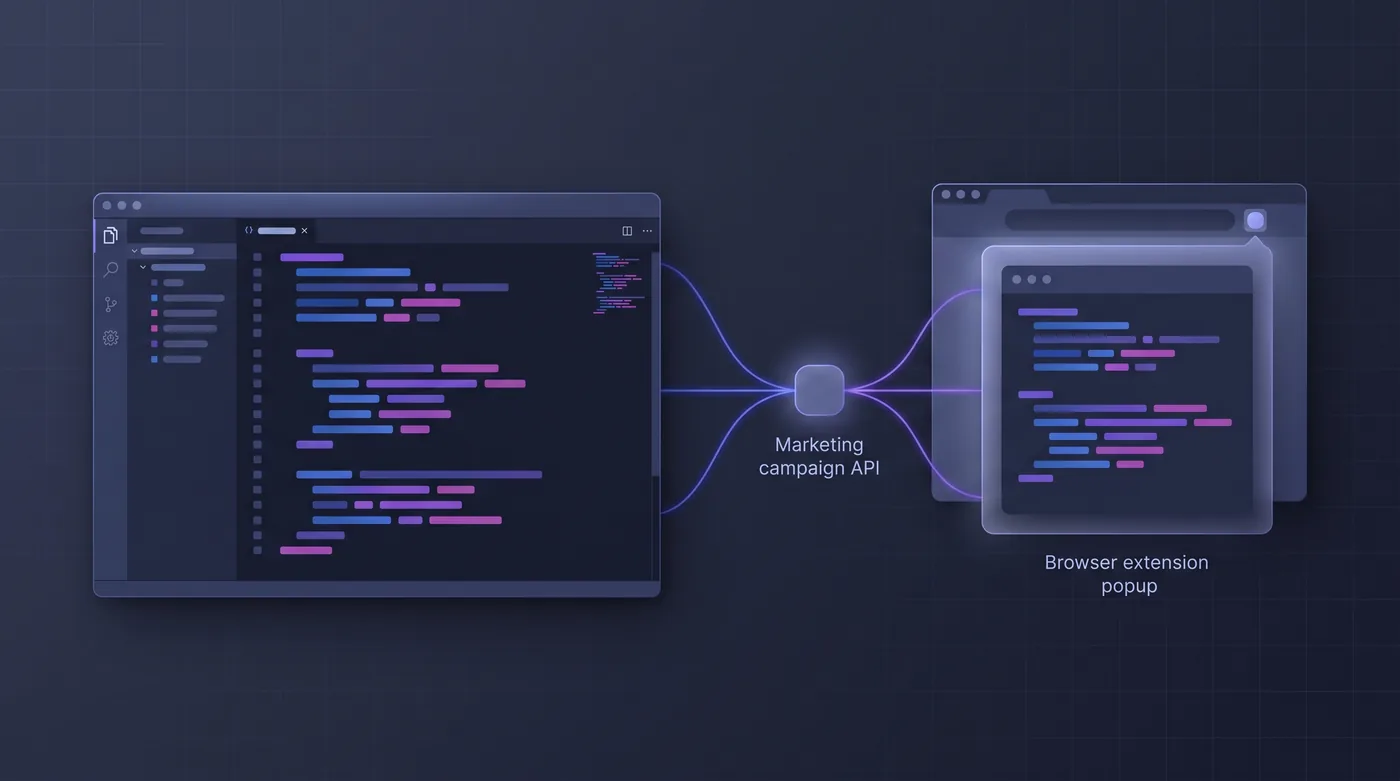
Work from the mobile, desktop, browser and editor
Use HeadshotMarketing where the work happens: the mobile app on the show floor, the desktop app in the office, the browser extension on any page, and the API, SDKs and CLI for automation.

AI Native
Start every week with a brief and alerts that propose the fix
Let the AI watch every channel and tell each role what needs attention — with the evidence and a proposed fix — before anyone opens a dashboard.
AI Native
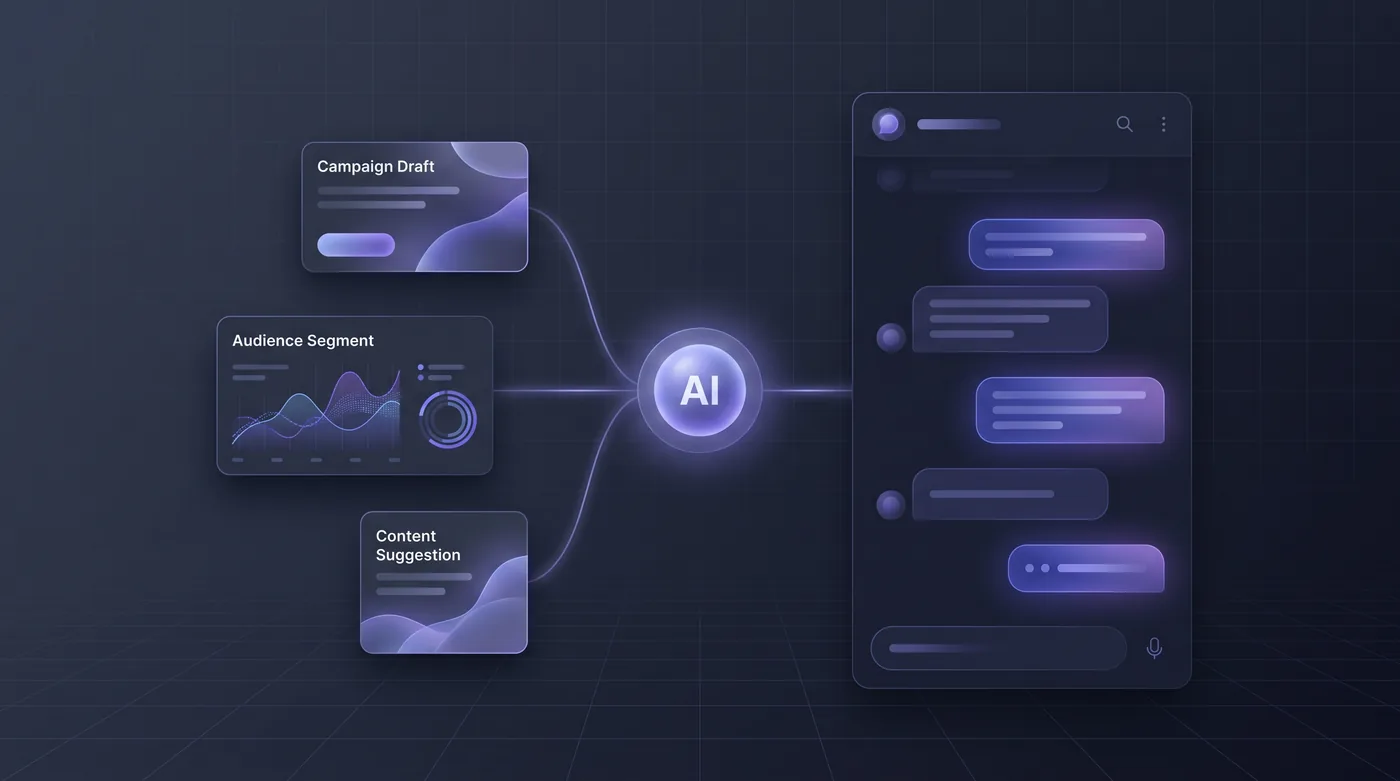
Ask an assistant that knows your workspace
Ask the assistant for a campaign plan from a goal and budget, a draft in your brand voice, a segment, a funnel or a report — grounded in your own campaigns, CRM and calendar.

AI Native
Score leads on behaviour — and show the working
Score every lead from real signals — online and offline — see exactly why a score moved, and route leads automatically when they cross a threshold.

AI Native
Let the AI propose the budget shift — you approve it
Have the AI review performance overnight across digital and physical channels, rank budget and creative moves with the numbers attached, and act only within the limits you approve.

AI Native
Spin up on-brand content with a shared library of AI tools
Build a shared library of AI content tools in your brand voice, run them on demand, and keep every run — with its input, output and cost — on record.

AI Native
Draft every marketing format — digital and print — from one console
Generate content shaped for each format — email, ads, social, SEO, long-form, print and local variants — with suggestions attached and a one-click path to a draft.

AI Native
See exactly what your AI usage cost — and cap it
Track every AI action in a usage ledger with its cost, actor and approver, set quotas and spend caps per workspace, and keep AI-made content identifiable.

AI Native
Audit a live page and get the ranked fix list
Run live page audits for landing pages and local pages, get SEO, performance, accessibility and best-practice scores, and fix each finding with AI-drafted tags.

AI Native
Point your own AI agent at the marketing and sales stack
Let your own AI agents work in HeadshotMarketing through an MCP server and the API, with the caller’s role, approvals and audit applied to every action.
See your scenario here?
Create an account and build your own version of these scenarios.