Picture a marketing manager planning a product launch. The message has to land the same week across email, social, paid ads, and a webinar — but each channel lives in a different tool, and keeping them in sync is a manual scramble.
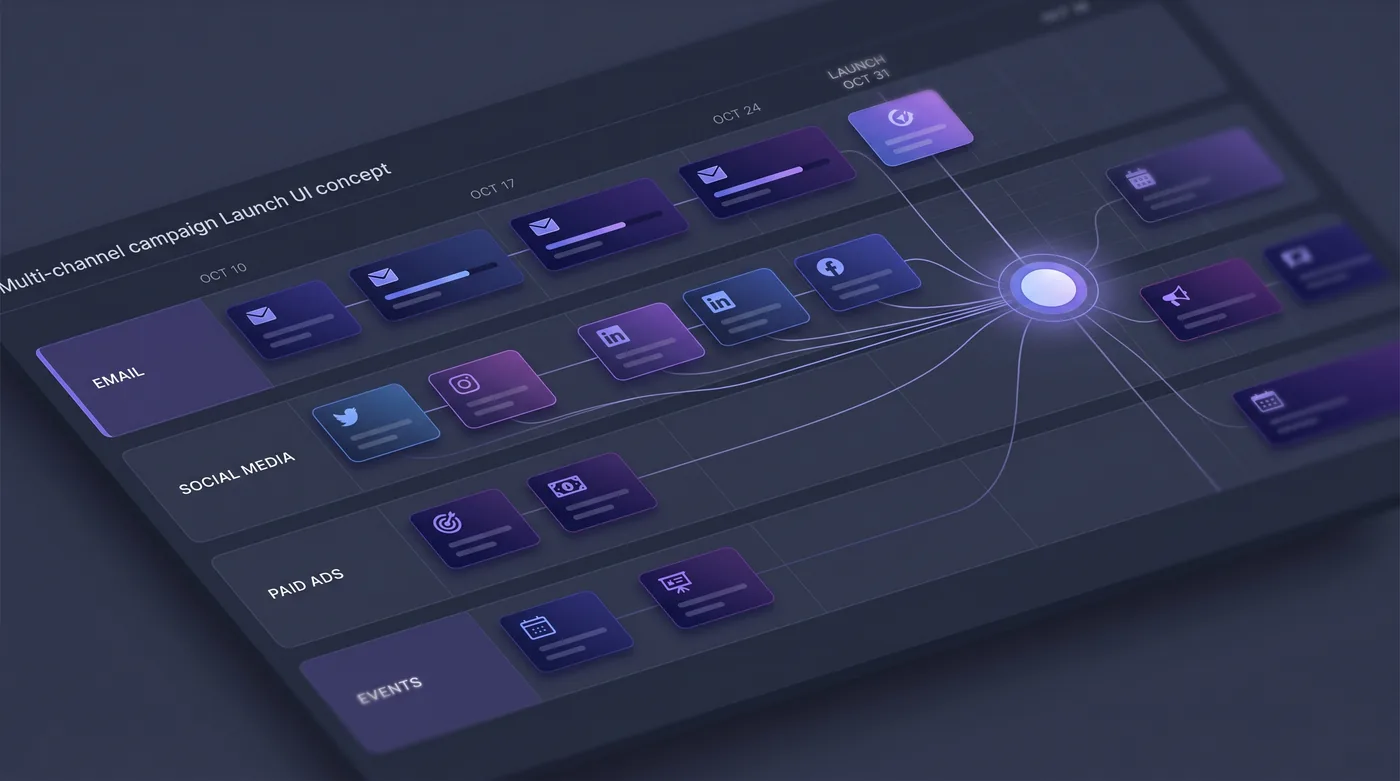
HeadshotMarketing is built to make that one workflow. The manager lays the campaign out on a visual canvas with a lane for each channel, schedules every touch against a single timeline, and pulls assets from one shared library. Cross-channel orchestration keeps the launch consistent, and performance tracking rolls up to one view.
Instead of reconciling five dashboards, the team runs the whole launch — plan, schedule, ship, measure — from a single command center.
This is an illustrative scenario, not a customer story. It describes the experience the platform is built to deliver.
Do it yourself
Plan a coordinated launch across email, social, paid, and events from one campaign — one target audience, one content calendar, one set of per-campaign numbers — instead of stitching it together across five tools.
Open Campaigns and start a new campaign (or begin from a template). Give it a name and set its goal and channels.
You should see: A new campaign is created, ready for you to attach an audience, content, and a schedule.
Ready to make this your story?