
AI that watches every channel, tells you what to do next — and asks before it acts
Intelligent, personalized and proactive across marketing, sales and support, online and offline. Governed by the roles, approvals and limits your team sets.
Most marketing suites bolt a chat box onto the side. In HeadshotMarketing the AI sits inside every module — campaigns, physical placements, locations, leads, deals, tickets, funnels and the calendar — and works from your own data.
It does not wait to be asked: it sends each role a brief, raises alerts with a proposed fix, and drafts the work. Anything that publishes, spends money or contacts customers follows your approval rules.

AI-native by architecture, not bolted on
Four architectural choices that make AI a first-class part of HeadshotMarketing rather than a chat window on the side.

Proactive
Weekly briefs per role, and alerts on funnel drops, response-time risks, stalled approvals, production deadlines, ad pacing and sentiment spikes — each with a proposed fix.

Personalized
Content, channel, offer and send time per contact; dashboards and briefs per role; local offers per location and cultural adaptation per market.

Intelligent
Campaign plans from a goal, drafts in brand voice, explainable lead scores, next-best actions, suggested support replies, and natural-language funnels and reports.

Governed
The AI is an actor with a role, quotas and an audit trail. Admins set its autonomy per capability, and every action records its inputs, output, cost and approver.
From intent to a governed action
Walk the path a request takes. Select any stage to see what happens there and what backs it.
Stage 1 of 5 · Watch
Every channel, online and offline
The AI reads the same records your team does.
Campaigns, placements and their scans, locations, leads and deals, tickets, funnels, analytics from Google Analytics, Meta and Mixpanel, and the calendar — all inside your workspace and its permissions.
What the AI in HeadshotMarketing actually does
Pick an area, then open any capability for the detail and how it works.
Where the AI shows up
The places AI meets the work in HeadshotMarketing.
Assistant
A conversational panel on every page, aware of what you are looking at, with voice input.
- Plans, drafts, segments, funnels and reports on request
- Grounded in your campaigns, CRM, calendar, knowledge base and brand rules
- Links to the records it used
See it as a real scenario
Every AI capability above shows up in a concrete HeadshotMarketing story. Open one to read the full walk-through.
 Start every week with a briefBriefs per role and alerts on funnels, response times, approvals, deadlines, pacing and sentiment — each with a proposed fix.Read the story
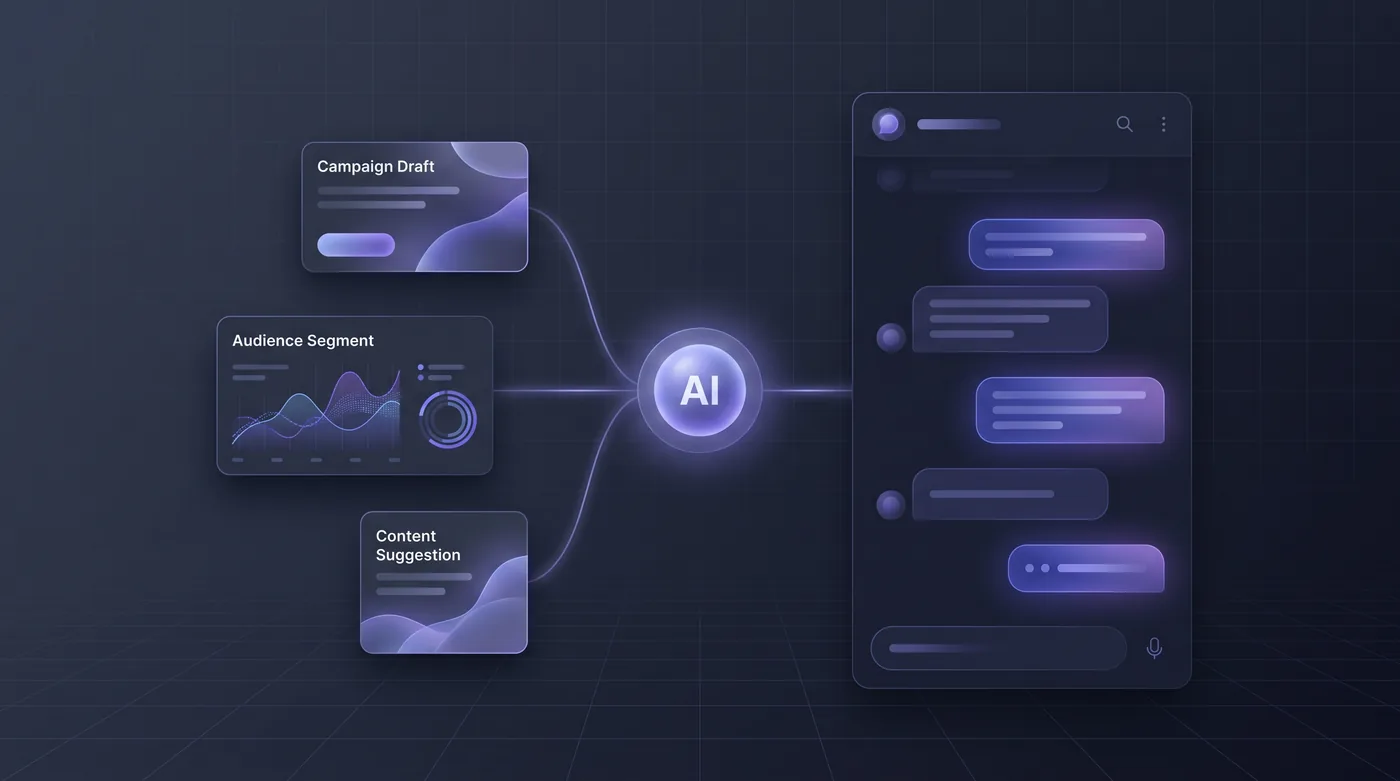 Ask an assistant that knows your workspacePlans from a goal and budget, brand-voice drafts, segments, funnels and reports in plain language.Read the story
 Score leads and show the workingScores from online and offline signals with a per-signal explanation and threshold-triggered routing.Read the story
 Let the AI propose the budget shiftOvernight analysis across channels, placements and locations, ranked proposals with evidence, and autonomy you control.Read the story
 Draft every format, digital and printSubject lines, ads, captions, outlines, alt text, flyer and mailer copy and local variants — each in its own shape.Read the story
 See and cap what AI costsA usage ledger with tokens, cost, actor and approver, and quotas and spend caps per workspace.Read the story
 Build a shared library of AI toolsReusable, on-brand AI tools for the whole team, with every run on record.Read the story
 Point your own agent at the stackTyped tools across every module through an MCP server, under the caller’s role.Read the story
AI you can actually let near your data
An AI-native product has to be governable. These are the controls HeadshotMarketing puts around every AI action.
AI data stays inside your workspace
Customer data used by the AI stays within the workspace’s policy. Tools, runs, drafts and audits belong to your workspace and are kept apart from every other.
The AI sees only what its role allows
Every AI action is checked centrally against a role before it runs. An agent can never reach what the person or role behind it could not.
Approvals for anything that matters
Publishing, spending and contacting customers follow the same approval rules as a person, unless an admin grants the AI that permission for a defined scope.
Autonomy levels per capability
Suggest only, draft for approval, act within limits (for example a budget shift up to a set percentage), or act and report.
A ledger of every AI action
Model, prompt summary, inputs referenced, output, cost, actor and approver are recorded, and AI-made content is tagged so its origin is answerable months later.
Quotas and spend caps
Per-workspace quotas and spend caps stop a runaway job rather than recording it after the fact.
Models
Bring your own keyHeadshotMarketing applies your brand voice, forbidden phrases and regulated-claim rules to every generation, records the model used for every action, and lets workspaces bring their own model keys.
Questions, answered
The AI is part of every module rather than a chat box on the side. It is proactive (briefs and alerts with proposed fixes), personalized (content, channel, offer and send time per contact; dashboards per role; offers per location) and intelligent (plans, drafts, explainable scores, next-best actions, suggested replies and natural-language analytics).
Put HeadshotMarketing’s AI to work
Intelligent, personalized and proactive across marketing, sales and support, online and offline. Governed by the roles, approvals and limits your team sets.