
SEO Keyword Tracking and Site Audits
Track keyword rankings over time and audit any public page for SEO, performance and accessibility issues with clear fixes.
These images are illustrations of the concept, not screenshots of the actual product.
Overview
Search visibility is usually managed in standalone SEO tools that sit apart from the content and campaigns they are meant to improve. The SEO Keyword Tracking and Site Audits concept for HeadshotMarketing places rank tracking and page auditing in the same workspace as the content library and landing page builder, so the people who write and publish pages can see how those pages perform in search and what to fix.
The keyword view opens with summary cards for tracked keywords, average rank, keywords improved and average SEO score. A keyword rankings table lists each term with its current rank and movement arrows, best rank, search volume, a difficulty bar, cost per click, the ranking URL and a status badge, with a dropdown to narrow the list. Beside it, an SEO score ring out of 100 breaks down into performance, accessibility, SEO and best practices, followed by a short list of top issues. A Run Audit button starts a new check.
The site audit view focuses on a single page. A marketer enters a public URL and selects Run analysis. The result pairs an overall score with the four category scores and a fact sheet for the page: its title and length, whether a meta description and canonical tag are present, word count, response time and page weight. A findings panel groups every check by severity, with Critical, Warning, Info and Pass counts. Each finding states what was found and a concrete fix, such as writing a meta description of the right length, adding alt text to images, lengthening a short title, keeping a single H1 heading, adding a viewport tag or expanding thin content. A Generate meta action at the foot of the findings offers a shortcut for drafting missing meta text.
The concept is designed to connect diagnosis with action: findings point naturally to the content editor's SEO fields and the AI meta tools, while ranking movement shows whether those changes paid off.
What this concept shows
- Summary cards for tracked keywords, average rank, keywords improved and average SEO score
- Keyword table with current and best rank, movement arrows, volume, difficulty, CPC, URL and status
- SEO score ring with performance, accessibility, SEO and best-practice sub-scores
- On-demand audit for any public http or https page
- Page fact sheet covering title length, meta description, canonical tag, word count, response time and size
- Findings grouped by Critical, Warning, Info and Pass severity, each with a specific fix
- Generate meta shortcut alongside the audit findings
How it works
- Open SEO from the left navigation to see tracked keyword totals and the overall SEO score.
- Scan the keyword rankings table for terms that moved up or down, and compare volume, difficulty and CPC.
- Switch to the site audit tab, enter a public page URL and select Run analysis.
- Review the overall and category scores and the page fact sheet.
- Work through the findings by severity, starting with critical issues and applying each suggested fix.
- Use Generate meta to draft a missing description, then run the audit again to confirm the page improved.
Who it's for
- SEO specialists
- Content marketers
- Web and growth marketers
- Marketing managers tracking organic visibility
- Agencies reporting on client search performance
Illustrations
2 illustrations of this concept. Select one to view it full size.
Keyword Rankings and SEO Score
This illustration shows the SEO module with Keywords selected in a tab strip that also offers Audits and Overview, and a Run Audit button at the top right. Four summary cards give sample totals for tracked keywords, average rank, keywords improved and average SEO score. A keyword rankings table lists sample terms with a sortable current rank and small up or down arrows for movement, best rank, search volume, a color-coded difficulty bar, cost per click, a truncated ranking URL and an Active status badge; a dropdown above the table narrows the list. On the right, an SEO score card shows a ring out of 100, four sub-scores for performance, accessibility, SEO and best practices with progress bars, and a bulleted list of top issues. Annotation labels outside the frame mark the top bar and left sidebar.
Site Audit Findings with Fixes
This illustration shows the Site Audit tab of SEO Tools, between Keyword Research and Content Optimization, inside a sample workspace. A URL field holds a sample pricing page address beside a Run analysis button and a note that only public http and https URLs are accepted. The Audit result card shows an overall score ring with category bars for SEO, performance, accessibility and best practices, then a fact list covering page title and length, meta description, canonical tag, word count, response time and HTML size. The Findings panel shows a total count with severity chips for Critical, Warning, Info and Pass. Each entry has a severity badge, an issue title, what was detected and a suggested fix, covering a missing meta description, images without alt text, a short title, multiple H1 headings, a missing viewport tag, thin content and a passed HTTPS check. A Generate meta button closes the panel.
Topics
- keyword rank tracking
- SEO keyword tracker
- site audit tool
- on-page SEO audit
- meta description checker
- image alt text audit
- SEO score
- keyword difficulty and CPC
- technical SEO findings
- page performance and accessibility audit
Related concepts
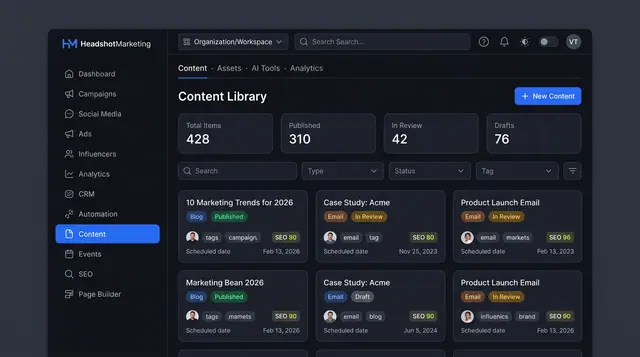
Content Library and Editor
One library for blog posts, emails and brand assets, with an editor that scores SEO and offers AI help before you publish.
3 illustrations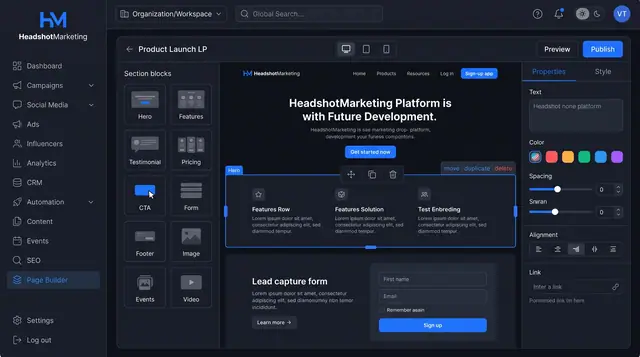
Drag-and-Drop Landing Page Builder
Assemble landing pages from ready-made blocks, edit each section's properties, preview by device and publish without code.
1 illustration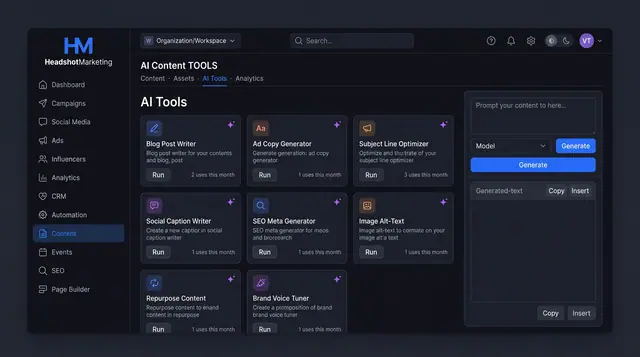
AI Content Tools and Usage Ledger
Run purpose-built AI writers for blogs, ads, emails and SEO, then see every run's tokens, cost and status in one ledger.
3 illustrations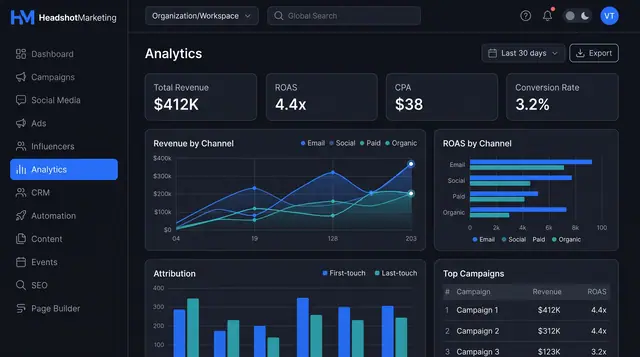
Attribution Analytics and Reports
Compare revenue and ROAS by channel, weigh first- against last-touch credit, then turn the view into a report you can schedule and share.
2 illustrations