
AI Content Tools and Usage Ledger
Run purpose-built AI writers for blogs, ads, emails and SEO, then see every run's tokens, cost and status in one ledger.
These images are illustrations of the concept, not screenshots of the actual product.
Overview
AI writing assistants are easy to add and hard to govern. Teams paste briefs into general chat tools, lose the output, and have no view of how much the workspace is spending or which runs failed. The AI Content Tools and Usage Ledger concept for HeadshotMarketing puts task-specific generators inside the Content module and pairs them with a clear record of every run.
The tool gallery presents each generator as a card with an icon, a one-line purpose, a category tag and a count of uses this month. The set in the illustrations covers blog post outlines and intros, email subject line variants, platform-sized social captions with hashtags, ad headlines with primary text and a call to action, SEO titles, descriptions and slugs, accessible image alt text, repurposing one piece into short social and newsletter formats, extractive summaries, and a brand voice tuner that rewrites copy in the team's tone.
Choosing a tool opens a side panel. The marketer describes what they need in plain language, picks a model and selects Generate. Results appear as separate variations, each ready to copy or insert into the piece being edited, so several angles can be compared before one is chosen.
The usage ledger turns that activity into accountable data. Summary cards show available tools, generations this month and tokens this month. An execution history table lists each run with the tool, the person who ran it, a Completed or Failed status, tokens, duration, cost and when it happened, with filters for all, completed or failed runs and a totals row for the month. A failed run can carry a short reason beneath the tool name. A Top tools by usage panel ranks the most used generators, and a notice at the foot of the page explains per-run metering and the status of a workspace spend limit.
Together the screens are designed to make AI assistance a governed part of the content workflow, with generation, reuse and cost visible in the same workspace as campaigns and content.
What this concept shows
- Gallery of task-specific AI writers, each with a purpose line, category tag and monthly use count
- Generators for blog outlines, subject lines, social captions, ad copy, SEO meta, alt text, repurposing, summaries and brand voice
- Side panel with a free-text request field, a model selector and a Generate button
- Multiple generated variations with Copy and Insert actions
- Summary cards for available tools, generations and tokens this month
- Execution history with run owner, status, tokens, duration, cost and time, filterable by completed or failed
- Inline failure reasons and a monthly totals row
- Top tools by usage ranking and a per-run metering notice
How it works
- Open Content and switch to the AI Tools tab to see the tool gallery and this month's usage totals.
- Pick a generator, such as the ad copy tool, to open its side panel.
- Describe the audience and goal in the request field, choose a model and select Generate.
- Compare the generated variations, then copy or insert the best one into the draft.
- Review the execution history to check tokens, duration and cost per run, filtering to failed runs when something went wrong.
- Use the top-tools ranking and monthly totals to understand how the workspace uses AI.
Who it's for
- Content marketers and copywriters
- Demand generation and paid media teams
- Marketing operations leads tracking AI spend
- Workspace administrators
- SEO specialists
Illustrations
3 illustrations of this concept. Select one to view it full size.
AI Tools Gallery with Generation Panel
This illustration shows the AI Tools tab of the Content module, headed AI Content Tools, with Content selected in the left navigation. A three-column grid of tool cards fills the main area: Blog Post Writer, Ad Copy Generator, Subject Line Optimizer, Social Caption Writer, SEO Meta Generator, Image Alt-Text, Repurpose Content and Brand Voice Tuner. Each card has an icon, a sparkle marker, a short description, a Run button and a count of uses this month. On the right, a generation panel offers a multi-line field for describing the content, a model dropdown and Generate buttons, above an empty generated-text area with Copy and Insert actions at the top and bottom. The top bar adds a settings icon to the usual workspace switcher, search, help, notification and theme controls.
Generating Ad Copy Variations
This illustration shows a fuller version of the AI Tools view inside a sample workspace. Three summary cards count available tools, generations this month and tokens this month. Under a Choose a tool heading, nine cards describe each generator and carry a category tag such as Content, Copywriting, SEO or Summarize with a monthly use count: Blog Post Writer, Email Subject Lines, Social Caption, Ad Copy Generator, SEO Meta Builder, Alt Text Writer, Repurpose Pass, Summarizer and Brand Voice Tuner. The Ad Copy Generator card is highlighted as selected. Its side panel shows a sample request describing a launch ad for a marketing automation release aimed at demand generation leaders, a model selector with a sample model name and a Generate button. Below, a Generated section with Copy and Insert links lists three short headline variations.
AI Usage Ledger and Execution History
This illustration shows the ledger view of the AI Tools tab. The same three summary cards for available tools, generations and tokens this month sit at the top. An Execution history table follows, with a segmented control to show all, completed or failed runs. Its columns cover the tool, the person who ran it, a status badge, tokens, duration, cost and a relative time. Most rows are marked Completed; failed rows carry a Failed badge, and one adds a short warning line explaining why it failed. A totals row summarizes runs, tokens and cost for the month. To the right, a Top tools by usage panel ranks generators such as email subject lines, social captions, blog posts, ad copy and SEO meta with counts and bars. A notice bar at the foot explains that generation is metered per run and notes the status of a workspace spend limit. All names and figures are sample data.
Topics
- AI marketing copy generator
- AI ad copy tool
- email subject line generator
- social media caption generator
- SEO meta description generator
- image alt text generator
- AI content repurposing
- brand voice rewriting tool
- AI usage and cost tracking
- AI generation history
Related concepts
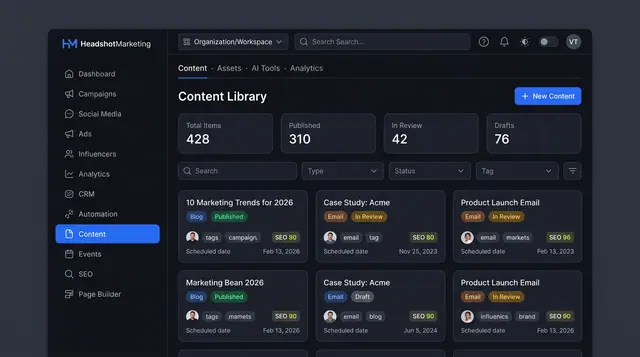
Content Library and Editor
One library for blog posts, emails and brand assets, with an editor that scores SEO and offers AI help before you publish.
3 illustrations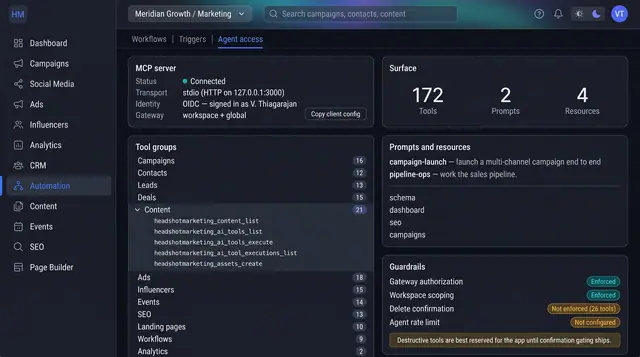
MCP Agent Access and Guardrails
Connect an AI agent to your marketing workspace, see exactly which tools it can call, and check which safeguards are actually enforced.
1 illustration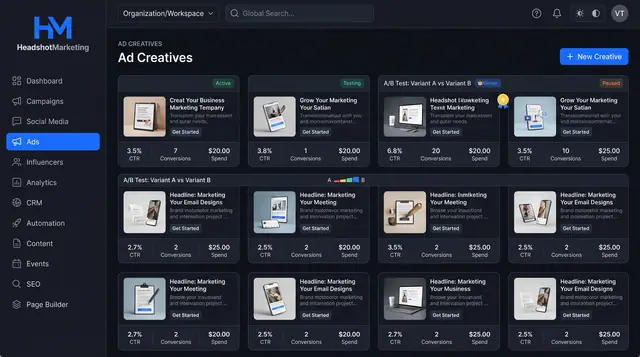
Ad Creative Testing and Spend Optimization
Compare ad creatives side by side, spot A/B test winners and approve evidence-backed budget and audience changes.
2 illustrations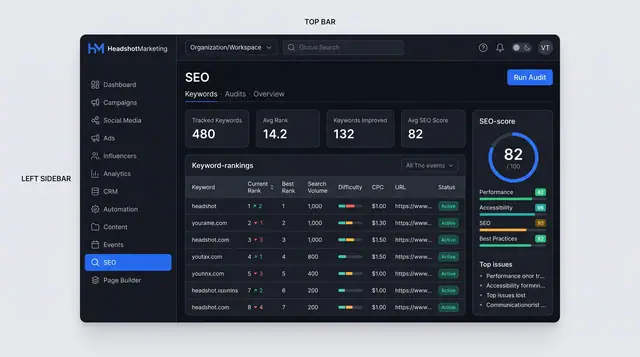
SEO Keyword Tracking and Site Audits
Track keyword rankings over time and audit any public page for SEO, performance and accessibility issues with clear fixes.
2 illustrations