
MCP Agent Access and Guardrails
Connect an AI agent to your marketing workspace, see exactly which tools it can call, and check which safeguards are actually enforced.
These images are illustrations of the concept, not screenshots of the actual product.
Overview
MCP Agent Access and Guardrails is the concept for letting an external AI agent work inside HeadshotMarketing under rules a person can see. Over the Model Context Protocol, a compatible assistant is designed to call the same operations a marketer uses in the app, from listing content and creating assets to working leads, deals, ads and events, so routine marketing work can be delegated in plain language. The illustration places the whole thing under the Automation module as an Agent access tab, sitting beside Workflows and Triggers.
Giving an agent reach into campaigns, contacts and ad budgets raises blunt questions for any marketing team. Is it connected, and acting as whom? Which actions can it take? What stops it from deleting something that matters? The design answers those on one page rather than leaving them scattered across configuration files and developer documentation.
An MCP server card reports the connection status, the transport in use, the identity signed in over OpenID Connect and the gateway scope the server reaches, with a button to copy the client configuration straight into an agent. A Surface card next to it counts what is exposed: tools, ready-made tasks and resources. Below, a Tool groups list breaks the tool catalog down by module, from campaigns, contacts, leads and deals through content, ads, influencers, events, SEO, landing pages, workflows and analytics, each with its own count, and any group can be expanded to read the individual tool names it contains.
A companion card pairs two ready-made agent tasks, one that launches a multi-channel campaign end to end and one that works the sales pipeline, with agent-readable resources covering the schema, the dashboard, SEO and campaigns. The Guardrails card underneath is the heart of the concept: each safeguard carries a status badge rather than a promise. In the illustration, gateway authorization and workspace scoping read as enforced, delete confirmation is flagged as not enforced across a set of tools, and an agent rate limit is shown as not configured, with a caution advising that destructive tools stay in the app until confirmation gating is in place.
Alongside the metered AI writing tools, this rounds out the AI and agents side of HeadshotMarketing: built-in AI helps a marketer produce work, while governed agent access is designed to let an outside assistant act on the same workspace inside the same authorization and tenancy boundaries.
What this concept shows
- An Agent access tab alongside Workflows and Triggers inside the Automation module
- An MCP server card showing connection status, transport, the signed-in identity and the gateway scope, with a Copy client config action
- A Surface card counting the tools, ready-made tasks and resources exposed to an agent
- A Tool groups list organized by module with a per-group count, expandable to the individual tool names
- Ready-made agent tasks for launching a multi-channel campaign end to end and for working the sales pipeline
- Agent-readable resources covering the schema, the dashboard, SEO and campaigns
- A Guardrails card with per-safeguard badges for gateway authorization, workspace scoping, delete confirmation and agent rate limiting
- An inline caution about keeping destructive tools in the app until confirmation gating is in place
How it works
- Open Automation from the module sidebar and switch to the Agent access tab.
- Confirm on the MCP server card that the server is connected and running as the right identity and gateway scope.
- Copy the client configuration and paste it into a compatible AI agent.
- Read the Surface counts, then expand a tool group such as Content to see exactly which operations the agent can call.
- Point the agent at a ready-made task, such as launching a multi-channel campaign or working the pipeline, or at a resource like the dashboard.
- Review the Guardrails card and treat anything badged as not enforced or not configured as work to do before trusting the agent with destructive actions.
Who it's for
- Marketing operations leads who want routine work delegated to an AI agent
- Workspace administrators responsible for governing what agents may do
- Developers and technical marketers wiring a compatible assistant into the platform
- Security and compliance reviewers checking which agent safeguards are actually on
Illustrations
1 illustration of this concept. Select one to view it full size.
Agent Access Tab with Tool Groups and Guardrails
This illustration shows the Agent access tab of the Automation module on a desktop layout, third in a tab row after Workflows and Triggers, with a sample organization and workspace named in the top bar. An MCP server card reports the status as connected, names the transport, shows an identity signed in over OpenID Connect and a gateway spanning workspace and global scope, and offers a Copy client config button. A Surface card counts tools, ready-made tasks and resources. A Tool groups list gives per-module counts from campaigns, contacts, leads and deals through ads, influencers, events, SEO, landing pages, workflows and analytics; the Content group is expanded to reveal named tools for listing content, listing and running AI tools, reviewing past AI tool runs and creating assets. On the right, two named agent tasks and four resources sit above a Guardrails card badging gateway authorization and workspace scoping as enforced, delete confirmation as not enforced for a group of tools and the agent rate limit as not configured.
Topics
- MCP server for marketing
- Model Context Protocol marketing platform
- AI agent access to CRM data
- AI agent guardrails
- marketing automation AI agent
- connect an AI assistant to a marketing platform
- agent tool permissions
- workspace-scoped AI agent
- AI agent rate limiting
- delete confirmation for AI agents
Related concepts
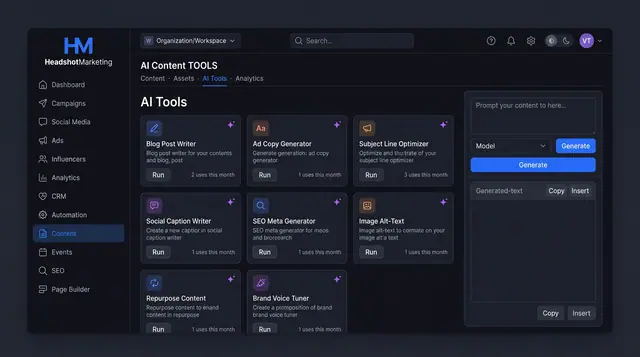
AI Content Tools and Usage Ledger
Run purpose-built AI writers for blogs, ads, emails and SEO, then see every run's tokens, cost and status in one ledger.
3 illustrations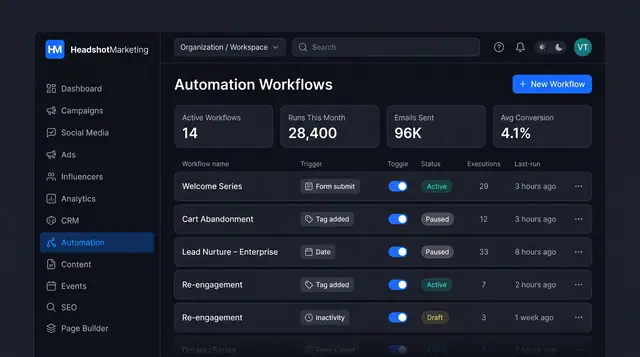
Lead Nurture Workflow Automation
Build trigger-based nurture journeys that email, text, wait and branch on behavior, and manage every workflow from one list.
2 illustrations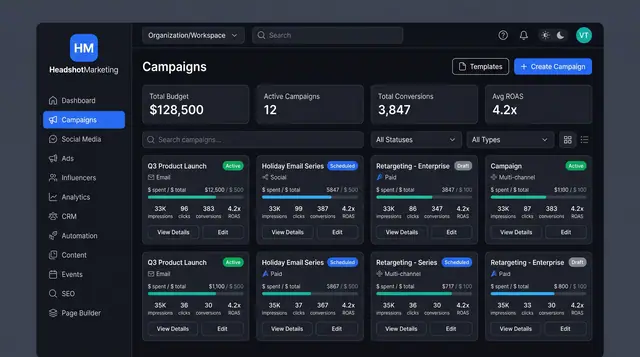
Multi-Channel Campaign Launch
Browse campaigns, start from a template, brief one launch across email, social, paid and events, then track spend and ROAS.
4 illustrations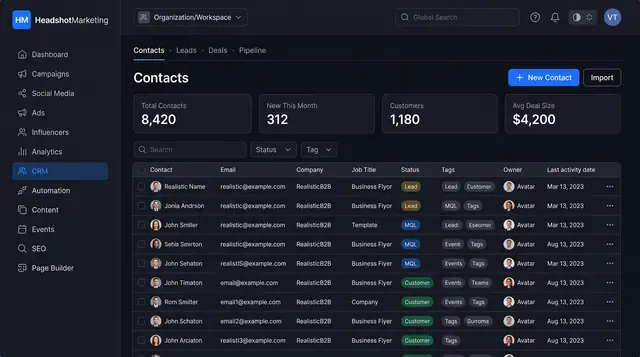
Contacts and Sales Pipeline
Keep every contact in one searchable table and follow deals across a visual pipeline from first lead to closed won.
2 illustrations