Social Scheduling and Publishing
Plan posts on a shared calendar, compose once for several networks with a phone preview, and keep every connected account healthy.
These images are illustrations of the concept, not screenshots of the actual product.
Overview
Social media is one of the channels a HeadshotMarketing campaign can run on, and this concept illustrates how the design handles it end to end: planning when posts go out, writing and scheduling each post, and managing the network accounts they are published to. Three screens make up the Social Media module in the illustrations: a content calendar, a post composer and a connected-accounts page.
Teams that post across LinkedIn, Instagram, X, Facebook and other networks often juggle native apps, a separate scheduler and a spreadsheet calendar. It is hard to see the week at a glance, the same message gets rewritten for each network, and a disconnected account can go unnoticed until a post fails to go out. The design puts planning, writing and account status in one module that sits beside the rest of the marketing work.
The Content Calendar shows a month grid with a Month or Week view toggle, a New Post button and arrows to move between months. A Platform panel lets the user show or hide each network, with follower counts beside them, and each day holds post chips with the network icon, a time and a Scheduled or Published state. The Compose Post screen offers a text area with emoji, hashtag and mention tools and an AI-assist action, a media drop zone, platform toggles for LinkedIn, Instagram, X and Facebook, and a schedule with date, time and a choice between Publish now and Schedule, while a phone preview shows how the post will read in a feed. The Connected Accounts page summarizes total accounts, followers, posts this month and average engagement, and gives each network a card with its handle, a Connected state or Reconnect button, follower count, engagement rate and a Manage link.
Posts planned here can belong to a wider campaign, and the social module sits next to influencer programs, the content library and the AI writing tools. All handles, counts and rates in the illustrations are sample data.
What this concept shows
- A month-view content calendar with a Week toggle, month navigation and a New Post button
- A Platform filter panel with per-network checkboxes and follower counts
- Calendar post chips showing network, time and a Scheduled or Published state
- A composer with emoji, hashtag and mention tools and an AI-assist action
- A media drop zone and platform toggles for LinkedIn, Instagram, X and Facebook
- Date and time scheduling with a choice between Publish now and Schedule
- A live phone preview of the post as it would appear in a feed
- Connected-account cards with handle, follower count, engagement rate and a Connected or Reconnect state
How it works
- Connect the brand's social accounts from the Connected Accounts page and check each one's status.
- Open the Content Calendar and filter by platform to see what is scheduled or published this month.
- Choose New Post to open the composer.
- Write the post, use the AI-assist action if helpful, add media and pick the networks to publish to.
- Check the phone preview, then publish now or schedule a date and time.
- Return to the calendar to see the post in place, and reconnect any account that needs attention.
Who it's for
- Social media managers
- Content marketers
- Brand and community managers
- Small-business owners handling their own social channels
Illustrations
3 illustrations of this concept. Select one to view it full size.
Social Content Calendar
This illustration shows the Content Calendar in the Social Media module. The header offers a View control with Month selected and Week available, a New Post button, and previous and next arrows beside the month title, here a sample July 2026. On the left, a Platform panel lists LinkedIn, Instagram, X/Twitter and Facebook with checkboxes and follower counts; Facebook is shown unchecked, which demonstrates filtering a network out of view. The main area is a Sunday-to-Saturday month grid. Most days hold one or two post chips, each with the network icon, a time and a Scheduled label, while a couple of chips read Published. Days from the neighboring months are dimmed. The screen demonstrates how the design gives a team a single view of its posting rhythm across every network.
Post Composer with Phone Preview
This illustration shows the Compose Post screen in the Social Media module. The main card starts with a post text area holding sample copy and hashtags, with a toolbar for emoji, hashtags and mentions and an AI-assist action marked with a sparkle icon. Below, a dashed media drop zone holds two product-photo thumbnails. Platform toggles let the author choose LinkedIn, Instagram, X and Facebook for the same post. A Schedule row combines a date picker, a time dropdown and a radio choice between Publish now and Schedule. On the right, a phone preview panel renders the post inside a phone frame, with the lead image, a user name and the opening lines of text. The screen demonstrates how the concept lets a marketer write and check a post once while sending it to several networks.
Connected Social Accounts
This illustration shows the Connected Accounts page, with a Connect Account button in the header. Four summary cards report total accounts, total followers, posts this month and average engagement. Below, six account cards cover LinkedIn, Instagram, X/Twitter, Facebook, YouTube and TikTok. Each card shows the network logo, the brand's handle, a follower count and an engagement rate, all sample data, followed by a Manage link. Five cards carry a green Connected indicator, while the YouTube card shows a Reconnect button instead, demonstrating how the design surfaces an account that needs attention before scheduled posts are affected. The layout keeps the Social Media item highlighted in the sidebar so the page reads as part of the same module as the calendar and composer. The screen demonstrates how the concept keeps account health and audience size visible in one place.
Topics
- social media scheduler
- social media content calendar
- schedule posts to LinkedIn, Instagram, X and Facebook
- social post composer
- cross-post to multiple networks
- social media publishing tool
- connected social accounts
- social engagement rate tracking
- AI-assisted social posts
Related concepts
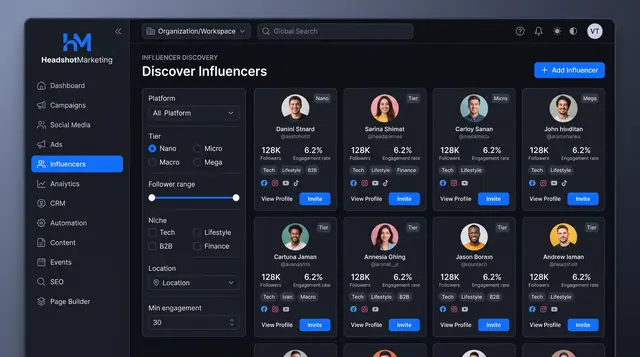
Influencer Discovery and Relationships
Find creators by platform, tier, niche and engagement, then track each relationship from prospect to completed deliverables.
2 illustrations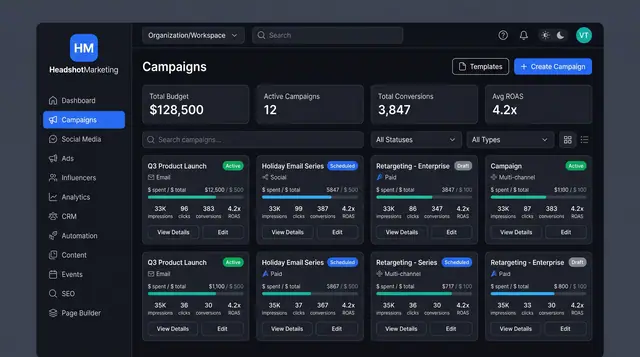
Multi-Channel Campaign Launch
Browse campaigns, start from a template, brief one launch across email, social, paid and events, then track spend and ROAS.
4 illustrations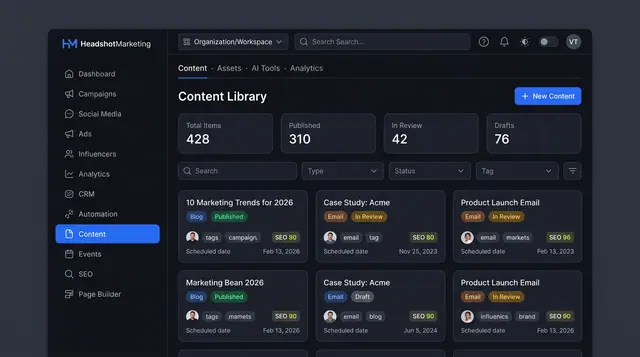
Content Library and Editor
One library for blog posts, emails and brand assets, with an editor that scores SEO and offers AI help before you publish.
3 illustrations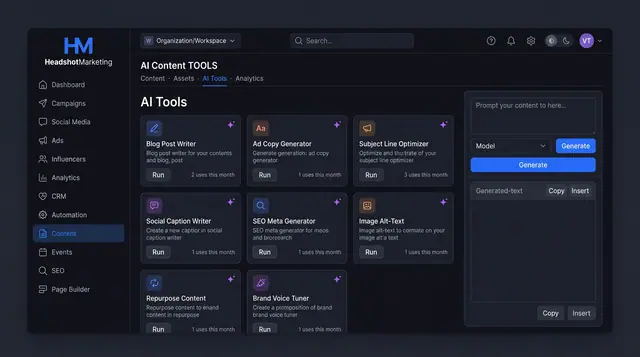
AI Content Tools and Usage Ledger
Run purpose-built AI writers for blogs, ads, emails and SEO, then see every run's tokens, cost and status in one ledger.
3 illustrations
Part of an industry solution
This concept appears in a cross-product solution on burdenoff.com — see how it works alongside other Burdenoff products to solve a problem in that industry.