
Influencer Discovery and Relationships
Find creators by platform, tier, niche and engagement, then track each relationship from prospect to completed deliverables.
These images are illustrations of the concept, not screenshots of the actual product.
Overview
Creator programs tend to live in inboxes and spreadsheets: a list of handles someone found by scrolling, a separate tracker for who agreed to what, and no clear view of whether the program paid off. This concept gives HeadshotMarketing an Influencers module that covers both halves of the job, finding the right creators and managing the relationships once they say yes.
The discovery illustration pairs a filter panel with a grid of creator cards. Marketers narrow the field by platform, by tier from nano to mega, by follower range on a slider, by niche such as tech, lifestyle, B2B or finance, by location and by a minimum engagement rate. Each card shows the creator's photo, name and handle, a tier badge, follower count and engagement rate, niche chips and icons for the networks they publish on, with View Profile to dig deeper and Invite to start a conversation. An Add Influencer button covers creators found elsewhere.
The relationships illustration takes over after the invite. Tabs for Relationships, Campaigns and Deliverables sit under a program management heading, and summary cards report active creators, live campaigns, total reach and program ROI. A table tracks each creator's relationship status as prospect, negotiating, active or completed, alongside their current campaign, compensation, deliverables progress as a count with a bar, a star rating and the date of the last interaction. A Manage creator button and per-row menus handle edits.
Because creators sit in the same workspace as campaigns, social publishing and analytics, the design lets influencer work be planned into a multi-channel campaign and measured with the same reach and return figures as every other channel, rather than reported on its own in a separate tool.
What this concept shows
- Filter panel for platform, tier, follower range, niche, location and minimum engagement
- Creator cards with tier badge, followers, engagement rate, niche chips and network icons
- View Profile and Invite actions on every creator card, plus Add Influencer
- Program summary cards for active creators, live campaigns, total reach and program ROI
- Relationship statuses from prospect and negotiating to active and completed
- Deliverables progress bars, star ratings and last interaction dates for each creator
- Relationships, Campaigns and Deliverables tabs for program management
How it works
- Open Influencers and set platform, tier, follower range, niche, location and minimum engagement filters.
- Scan creator cards for followers, engagement rate, niches and networks, and open a profile for detail.
- Select Invite to bring a promising creator into the program.
- Track the relationship as it moves from prospect through negotiating and active to completed on the Relationships tab.
- Monitor compensation, deliverables progress and ratings, using the Campaigns and Deliverables tabs for detail.
- Review active creators, total reach and program ROI in the summary cards.
Who it's for
- Influencer and creator marketing managers
- Social media managers
- Brand and partnership leads
- Agencies running creator programs for clients
Illustrations
2 illustrations of this concept. Select one to view it full size.
Discover Influencers with Filters
This illustration shows the Discover Influencers page, with Influencers highlighted in a collapsible left navigation and an Add Influencer button at the top right. A filter panel on the left offers a platform dropdown set to all platforms, tier radio buttons for nano, micro, macro and mega, a follower range slider, niche checkboxes for tech, lifestyle, B2B and finance, a location dropdown and a minimum engagement number field. The rest of the page is a four-column grid of creator cards. Each card carries a portrait, a name and handle, a tier badge in the corner, follower count and engagement rate, niche chips, icons for the social networks the creator uses, and View Profile and Invite buttons. More cards continue below the fold. The creators and figures are sample data.
Influencer Relationships and Program Tracking
This illustration shows the Influencer Relationships page, labeled as program management, with Relationships, Campaigns and Deliverables tabs and a Manage creator button. Four summary cards report active creators, live campaigns, total reach and program ROI. Below them, a table lists creators with a photo and name, a relationship status badge (prospect, negotiating, active or completed), their current campaign, compensation that may be a cash amount or product, deliverables progress as a completed-of-total count with a progress bar, a five-star rating and the last interaction date, plus a menu on each row. The layout is designed to let a program manager see at a glance which creators are still in negotiation, which are delivering and how the program is performing overall. Names, amounts and dates are sample data.
Topics
- influencer discovery tool
- find influencers by niche
- micro influencer search
- influencer engagement rate filter
- creator relationship management
- influencer program ROI
- influencer deliverables tracking
- influencer outreach and invites
- creator campaign management
Related concepts
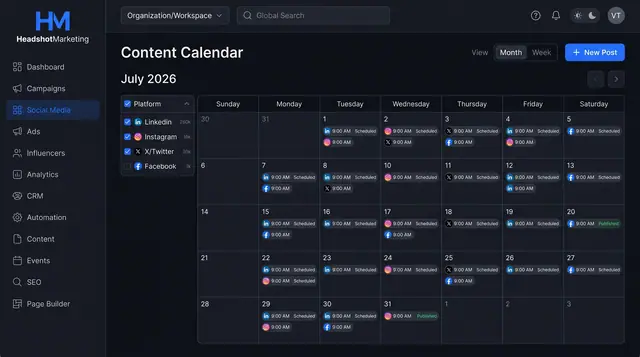
Social Scheduling and Publishing
Plan posts on a shared calendar, compose once for several networks with a phone preview, and keep every connected account healthy.
3 illustrations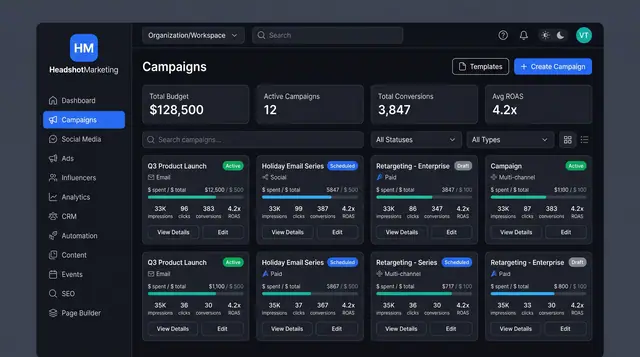
Multi-Channel Campaign Launch
Browse campaigns, start from a template, brief one launch across email, social, paid and events, then track spend and ROAS.
4 illustrations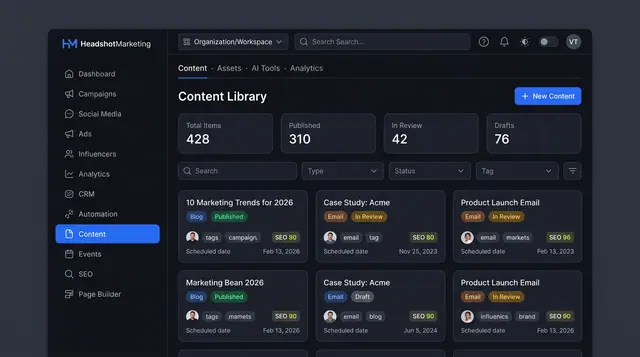
Content Library and Editor
One library for blog posts, emails and brand assets, with an editor that scores SEO and offers AI help before you publish.
3 illustrations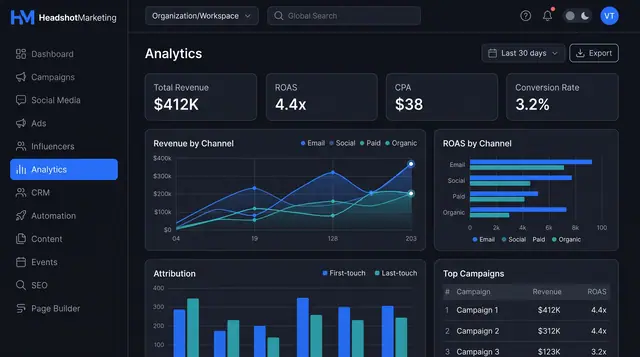
Attribution Analytics and Reports
Compare revenue and ROAS by channel, weigh first- against last-touch credit, then turn the view into a report you can schedule and share.
2 illustrations
Part of industry solutions
This concept appears in cross-product solutions on burdenoff.com — see how it works alongside other Burdenoff products to solve a problem in that industry.

Industry solution
Media & Entertainment
Finds creators by platform, tier and niche to invite to the launch, then tracks each relationship from invitation to delivered trailer posts.
See the solution(opens in a new tab)
Industry solution
Fashion & Lifestyle
Finds creators by platform, niche and engagement, and tracks each relationship from prospect to completed deliverables.
See the solution(opens in a new tab)